

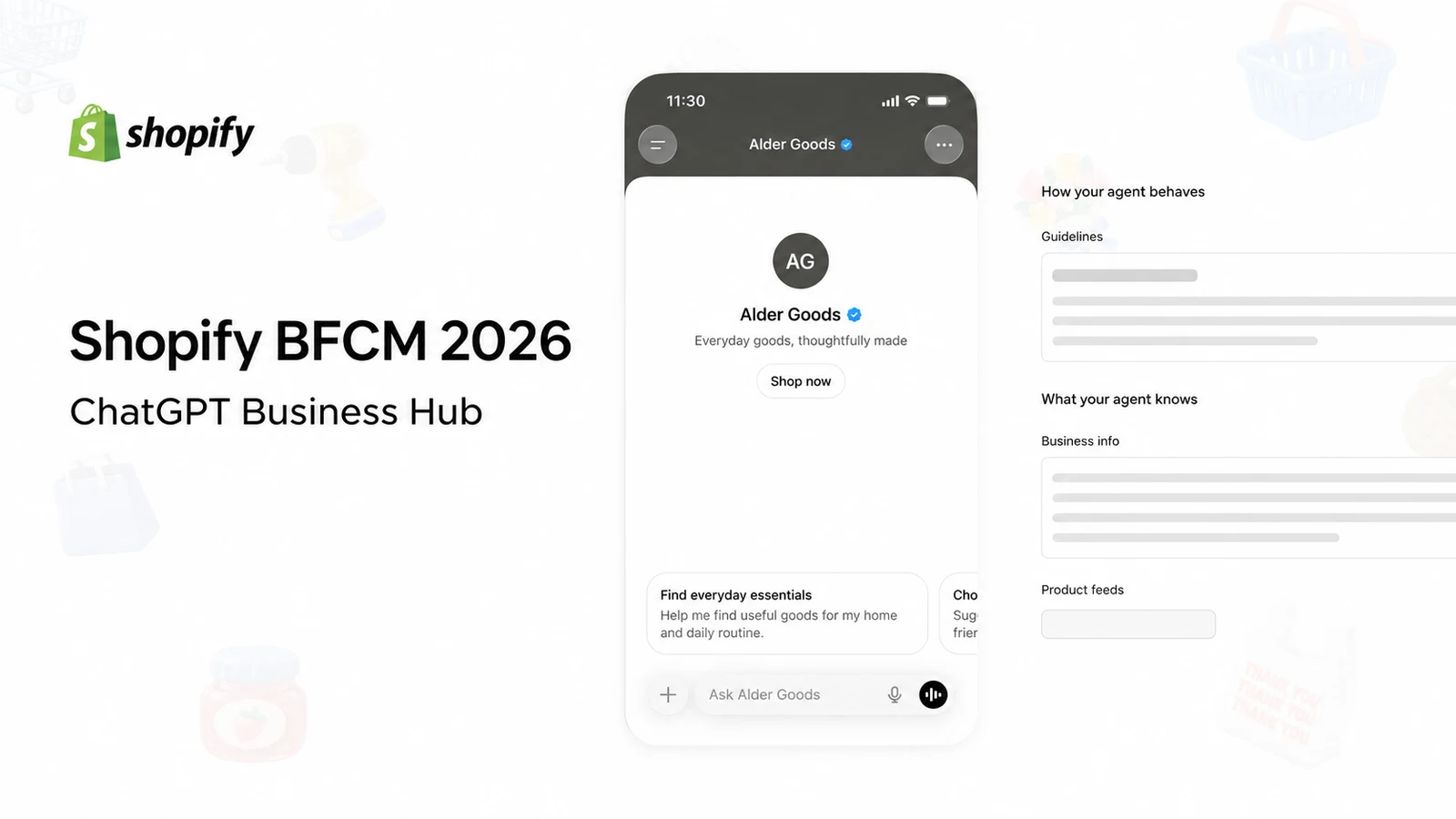
Shopify published its Black Friday and Cyber Monday preparation checklist on October 23. It is a useful guide because it follows the whole sale, from choosing products to handling the orders afterward. I had been meaning to walk through it from a small merchant’s perspective, but had not found the time. 1
Since then, several ecommerce tools have added features that fit directly into that preparation. OpenAI’s November 10 launch of Businesses in ChatGPT is particularly interesting: Shopify merchants can connect their stores to Business Hub, and eligible businesses can publish an agent that helps shoppers understand their products. 2
That makes this a good moment to look at the checklist and the updates together. If you run a small Shopify business, which changes deserve your time before BFCM, and which can wait?
I would start with the features in tools you already use. Add something new only when you can name the job it will do, check the result and keep the store running if it fails. Below, I follow Shopify’s checklist in order, grouping its 25 steps into the same seven stages.
1. Choose the products, then put the sale on a calendar
Start with the dates, the products and the stock you can actually ship. Decide when customers will first hear about the sale, when each offer starts and ends, and what happens to prices and messages afterward. Extend the campaign into December only if you have the stock and margin to support it.
For a small team, one main offer is a sensible starting point. Add a separate VIP offer or a clearance promotion only when someone can check how it interacts with everything else. Pick products by both demand and the money left after discounts, shipping and other order costs. Stock you have ordered but not received is not ready to dispatch.
If you already use Klaviyo, Composer’s new Shopify capabilities can help with this preparation. With the November 2 update, you can check stock, organize collections and make supported changes in Shopify. Its current Shopify guide, updated November 6, explains the permissions and limits. 3
Start with a request such as: “Show me the stock available for these sale products. Do not change anything.” Review the result before asking it to create a collection or apply a change.
Three details matter. Composer does not ask for another confirmation after an explicit instruction to change Shopify. Also, its discount codes are available to all customers; sending a code to your VIP email segment does not make that code VIP-only. New collections start unpublished, so check that they are published to the channels where customers will shop. 3
For stores already using different product catalogs for different markets, Shopify’s October 23 Rollouts update adds scheduled catalog changes alongside theme and checkout changes. That is useful for coordinating an existing setup. A single-market shop running one straightforward discount does not need to introduce a new catalog structure for this sale. 4
2. Shop your own store on a phone and prepare a fallback
Work through a purchase as a customer. Open the campaign link, select a variant, add it to the cart, apply the offer and continue through checkout. Check the confirmation email and where the order appears for the person packing it.
Include an awkward order: a sale item and a full-price item, a customer with an existing code, or a delivery address in a second market. Those cases tell you more than repeatedly buying the easiest product.
Shopify’s November 5 app-management update makes permissions, recent activity and security information easier to review in Settings → Apps. Before connecting another assistant, check what it can read and change. Ask whoever maintains your store to investigate any flagged issue. 5
Give that person the technical checks from Shopify’s checklist, including performance and email setup. As the owner or operator, ask for an answer you can act on: what is broken, what will be changed, and how will they restore the previous setup?
Keep a copy of the current theme and campaign content. Write down who can pause an offer, restore a page or contact the warehouse. Avoid a full theme replacement now unless the current theme is preventing customers from buying.
3. Make the offer clear, then coordinate the marketing
Check what the customer can actually combine
Before making the headline discount larger, test the most generous combination a shopper can obtain.
In a September 21 Shopify Community discussion, a merchant posting as DanielAnderson described a collection discount, an emailed code and free shipping combining on some orders. They said the losses only became clear during January reconciliation. 6
Calculate the money left on that kind of order before approving the offer. Include the product cost, packaging, payment fees and the shipping cost you absorb. For a bundle, also work through what happens when the buyer returns just one item.
Existing Rebuy users have two relevant changes. Its October 29 update lets Buy X Get Y offers use Shopify collections; products added to those collections can join the offer automatically. Its October 28 update adds fixed thresholds by currency for selected free-shipping, gift and bundle tiers. 7
Review collection membership before launch, and test every currency you advertise. If you are not already using Rebuy, keep it out of this year’s setup plan: its Shopify App Store page showed it as unavailable on November 12. 8
Use the channels that already bring you customers
Keep the main campaign in channels where you already understand the audience and the cost of a sale. When advertising to people who have already visited your store, give them a clear reason to return and send them to the relevant offer page. Do not divide a small budget across several unfamiliar channels simply because it is Black Friday.
For email and SMS, plan the sequence around the offer: an advance notice, the launch, a useful reminder and a final message before the genuine deadline. Check the automated messages too. A welcome email or abandoned-checkout reminder should not contradict the sale running on the site.
Klaviyo’s November 9 flow-history update is useful here. A flow is an automated sequence of messages. The new feature can restore its structure and settings, but not the email or SMS template body. It is rolling out gradually and only records versions from when it becomes available in your account. Save the message content separately before making seasonal changes. 9
Also remove recent buyers from repeated emails promoting the same unchanged offer. Lilo Social co-founder Zac Fromson made this specific recommendation in the Klaviyo Community on November 10. Test the audience rules before scheduling the campaign. 10
If you already use Omnisend and have an active Instagram audience, its October 26 Social Capture launch is worth trying. On paid plans, an Instagram business or creator account can collect email subscriptions through keyword-triggered comments or messages. The Instagram Welcome automation delivers the promised offer. Test both parts: collecting an address is not the same as sending the discount. 11
Refresh the campaign assets without redesigning the business
Use one approved offer and a consistent set of product images across the homepage, emails and ads. Keep the deadline, exclusions and shipping threshold readable on a phone. A countdown is useful only when it reflects the actual end of the offer; a clear written deadline is enough if you do not already have a suitable timer.
The recent creative updates fit different jobs:
| Your unfinished job | Update to consider | Where I would draw the line |
|---|---|---|
| Revise an existing design | Canva Brush, announced October 29, supports editable design changes for Canva Pro users. | Start with your existing layout. Check the offer, fonts and spacing after the edit. 12 |
| Make an ad from an existing product image | Adobe Firefly’s November 10 update makes Quick Actions, including Build Product Ad, generally available. | Try one finished asset before committing to a batch. Leave its new website-building projects for later. 13 |
| Turn product photos into a short video | Photoroom’s November 9 guide explains Shopify photo imports and Video Ad Maker. Generation requires Max or Ultra. | Check the script and product appearance. Use actual footage when the point is to demonstrate how the product works. 14 |
For simple decorative graphics, Shopify also added transparent-background image generation in Sidekick on October 23. That is enough reason to try an icon or seasonal illustration before buying another design subscription. 15
Finally, Shopify’s marketing section includes international selling. If you already serve several countries, check each country’s offer, delivery cost and returns information. If you have not worked those out, keep this BFCM focused on your existing markets.
4. Fix the buying experience before adding conversion tools
Look at where customers stop: before adding a product, after opening the cart or during checkout. Choose a change that addresses that point. Do not treat a general industry conversion-rate target as a diagnosis of your store.
For installment payments, review the fee and the amount of money you retain on a discounted order before enabling another payment option. It deserves consideration when the purchase price is a genuine obstacle for your customers. It is not an essential project for every store.
For chat, prepare answers about product differences, delivery, discount eligibility and returns. Check that a customer can reach a person when the answer needs judgment.
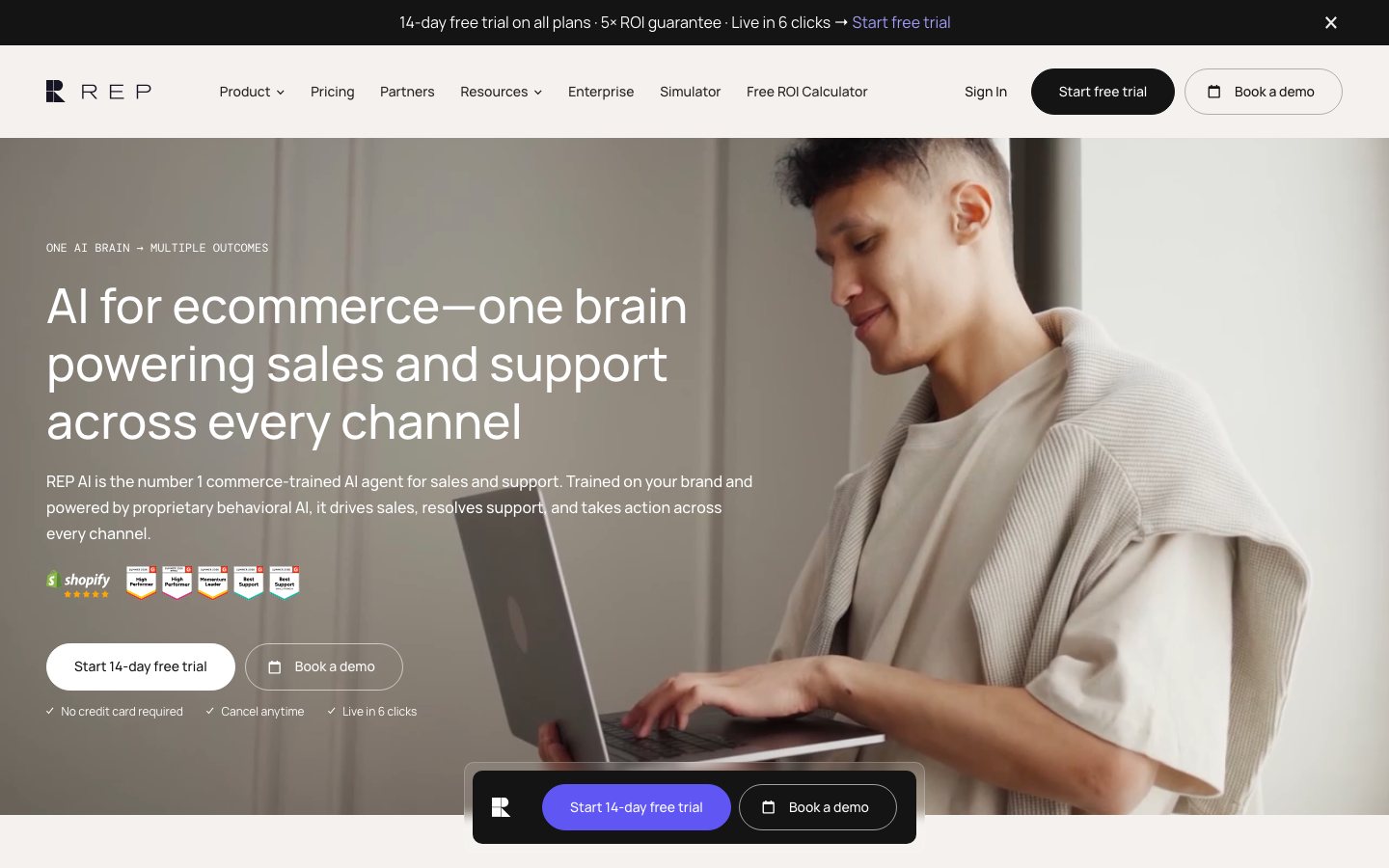
If you already use Rep AI, its November 3 updates add discounts controlled by merchant rules and free-shipping prompts based on spending thresholds for each country; these require Sales Skills. Test an excluded product and a customer below the shipping threshold before turning them on. Rep’s November update explains the controls. 16
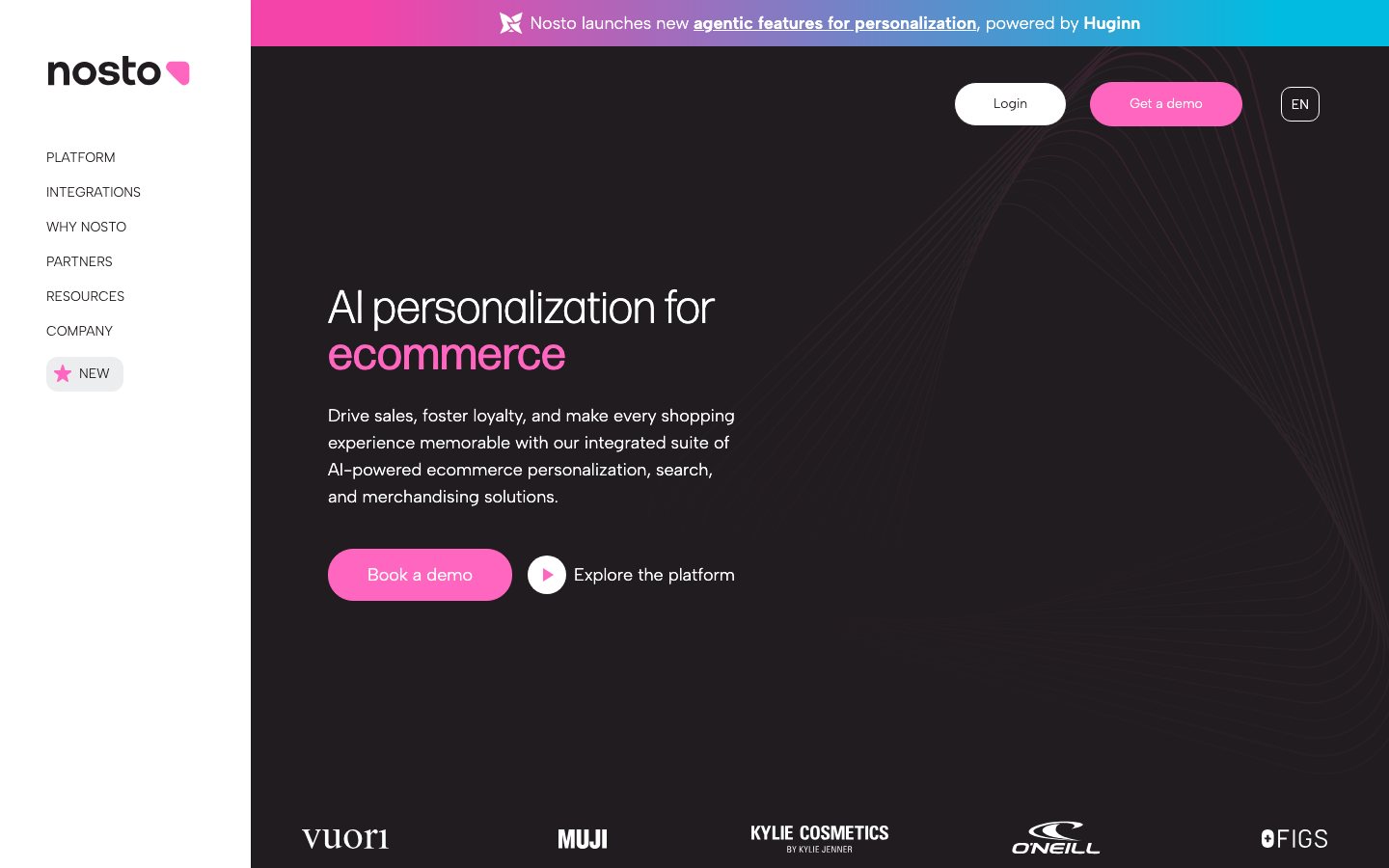
Existing Nosto customers can also examine its October 29 search update, which combines exact-word matching with an interpretation of what the shopper means. Try it against searches that currently miss products you sell. A small catalog with no known search problem does not need a search replacement before BFCM. 17
Finish at checkout. Confirm that the total, delivery options, discount and payment methods match the promises made earlier. Before publishing the banner, confirm that the advertised offer works at checkout.
5. Make sure the orders can leave the building
Set delivery promises with the person or company actually dispatching the goods. Separate the time you need to prepare an order from the carrier’s transit time, and make the promised window clear before payment.
Then walk through packing. Check product variants, packaging, labels and the handoff between shifts. Decide who handles a paid order that cannot ship. If you already run a shop or have a pop-up booked, include those orders in the stock plan. An online-only business does not need to add an in-person event to complete a checklist.

Three recent updates are useful for teams already using the tools:
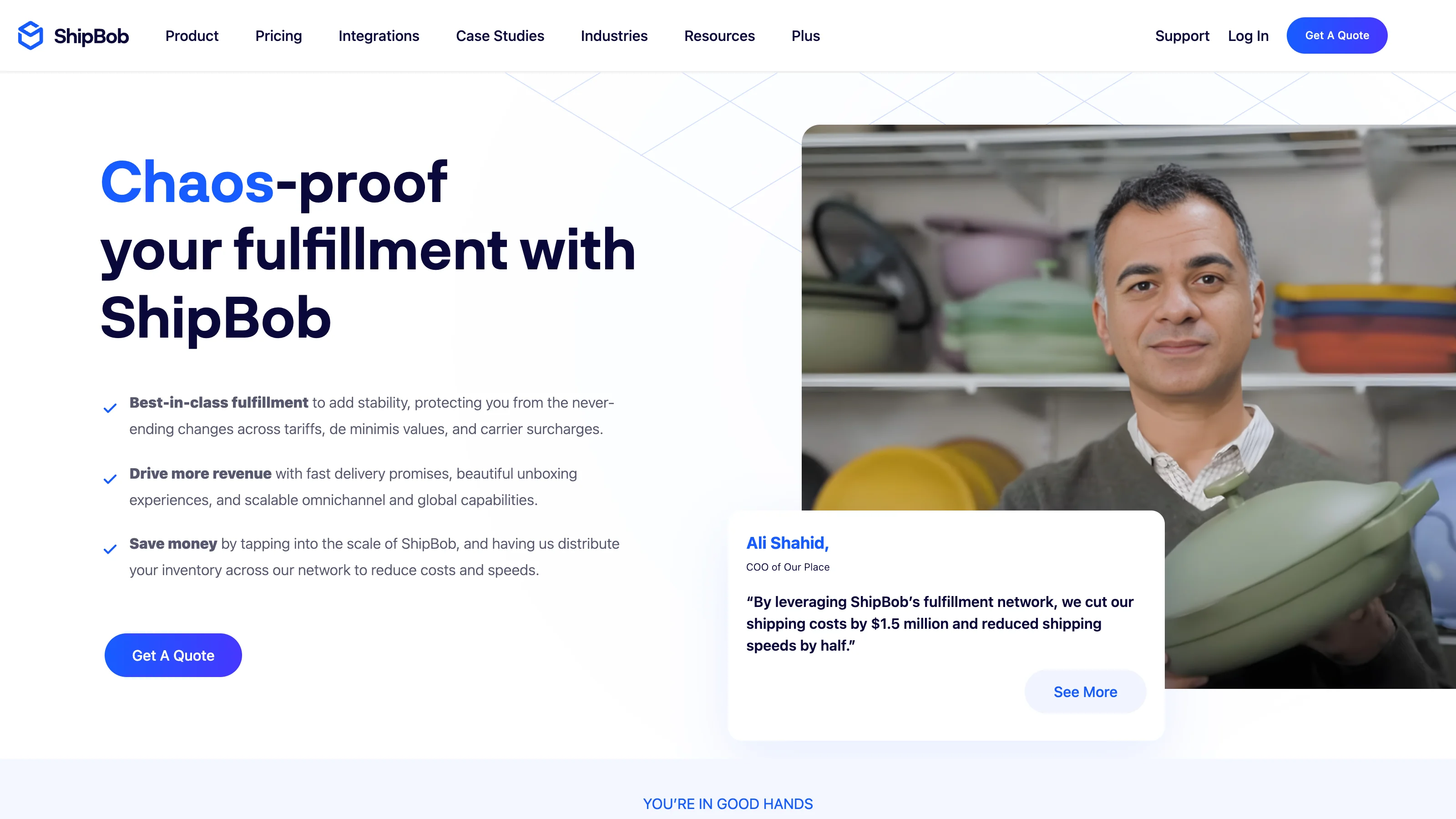
- ShipBob: it made Bobby available to all its brands on November 10. It can help investigate stock risks and orders that need attention, with proposed changes requiring approval. Start by asking which orders are stuck and why. 18
- Fabrikatör: its October product roundup describes new material tracking, including packaging, with usage rules tied to Shopify shipments. Use it to check whether you have enough packing materials as well as enough products. 19
- Make: Maia’s October 30 update helps plan and troubleshoot automations. It remains in public beta. Have the person who maintains an existing workflow try a repair on a copy, then check for duplicate messages or order actions before replacing the live version. 20
These are improvements to an existing operation. Keep your current fulfillment provider and avoid building a new chain of order automations just to gain access to an AI assistant.
6. Give loyal customers a reason to return and support staff clear answers
For an existing customer list, a clearly defined early-access offer is easier to organize than a new points program. Decide who qualifies and make sure the actual discount settings match the promise.
Prepare support for the questions the sale creates: why a code does not work, when an order will arrive, whether a discounted item can be returned, and what happens if it arrives damaged.
In the September Shopify Community discussion, an operator posting as Xylement described repeated questions about orders, stock, delivery and codes. Their advice was to make recurring questions quicker to answer with clear page information and saved replies, rather than expect those questions to disappear. Plan for people to answer the questions that remain. 6
For Gorgias users, the October 29 update makes connecting the helpdesk to ChatGPT or Claude simpler. Use it to review tickets, check your AI support instructions and test answers. This is an internal tool for your team; it is separate from the customer-facing Business Agent discussed below. 21
Zendesk’s AI agent launchpad uses ticket history to suggest support content and test scenarios. Its rollout runs from November 5 to November 30 and is available to customers using Zendesk’s latest AI agent system. If the feature is not in your account, prepare your existing support process without waiting for it. 22
Returns need their own check. Shopify’s November 10 update lets you control self-service return and cancellation requests by market. Set the return rules before enabling the feature: without them, customers can submit return requests without a time limit. A request is not an approved refund. 23
Rep AI’s November 5 damaged-item feature can create a separate $0 Shopify replacement order within your limits. Before enabling it, confirm that your warehouse accepts and dispatches those orders. Set a value limit you are comfortable with and keep exceptions with your team. 16
After purchase, send information that helps customers use what they bought. Keep delivery and support messages clear, and stop sending the same sale reminder once that customer has purchased. You can build a more elaborate retention program after the orders are delivered.
7. Decide what you will measure before the sale starts
Choose the question first. If you are clearing old stock, record the products and starting quantities. If you are trying to acquire customers, track new buyers and what remains from their orders after the associated costs. Keep refunds and replacements in the review after the weekend ends.
There is one important comparison issue this year. Shopify changed session measurement between September 21 and 23. Session counts and conversion rates before and after that change are not directly comparable; order, sales and customer counts were not affected by the measurement change. Use those figures alongside conversion rate when comparing this BFCM with last year. Shopify’s explanation covers the change. 24
For existing Northbeam users, the November 3 product-segmentation update helps identify which product groups are credited with sales from your ads. It remains in beta and needs account enablement. Use it to check whether the advertised clearance collection actually sold. 25
Triple Whale’s November 12 update adds Shopify Markets reporting. Existing customers can ask Moby to compare orders across markets. Specify that it should check for overlapping markets: one order can belong to more than one, so adding the rows can overstate the store total. 26
Neither update is a reason to buy an analytics platform solely for this weekend. Keep a short record of the offer, what you changed, the result and what needs fixing. That is what you will want when planning the next promotion.
8. ChatGPT Business Hub for Shopify: a worthwhile trial
Of the newer options, this is one I would make time to explore once the sale and fulfillment checks are complete.
OpenAI launched Businesses in ChatGPT in beta on November 10. Business Hub lets you claim your business, manage its information and see aggregated activity. An eligible business can also publish a Business Agent to help shoppers compare products and ask follow-up questions. 2
For example, a shopper choosing between two bags could ask which one fits a laptop, whether a particular size is available, or how your holiday returns work. The useful task is helping that person choose with accurate product and policy information. 27
What the Shopify connection does
The connection supports business verification and product information. Eligible Shopify products already reach ChatGPT through Shopify Catalog, which supplies current prices and availability. You do not need to maintain a second manual product feed just to make those products discoverable. Purchases still finish through your Shopify store’s checkout. Shopify’s ChatGPT guide explains the setup. 28
The current Business Agent cannot look up orders or complete purchases. It can explain delivery and return policies and link to your store. Keep order tracking and refunds in your existing support process. 29
How to get started without a developer
- In Shopify, open Sales channels → Agentic → ChatGPT and install the ChatGPT Business app, or start directly in Business Hub.
- Connect the correct store using the ChatGPT account you intend to manage it with. Claim the matching business and complete the required Persona identity verification.
- Review your product details and policies. If you are eligible, open the Business Agent draft or create an agent in Business Hub.
- Preview its answers, correct the information or instructions, and publish when they are accurate. 28 29
Business Agents are currently available only to eligible US-based ecommerce and online-service businesses with a website. Selling to US customers from a UK business does not, by itself, make that business eligible for an agent. 2
Have your legal business details ready. In an app review edited November 12, Leather Adults reported a verification problem after its store name was used where its LLC’s legal name differed. Check the details against your registration documents before submitting them, and leave time to resolve verification issues. 30
Test the questions that could affect a sale
Use your own products and policies to test questions like these:
- “Which option would suit someone who needs [a specific use]?”
- “Does the Black Friday offer apply to this item?”
- “What are the delivery options for my country?”
- “Can I return a sale item, and what would I have to pay?”

Include a question for which the store has no confirmed answer. The agent should direct the customer to support rather than invent a delivery promise or an exception to your policy. Fix the underlying information before publishing.
The Insights tab in Business Hub shows aggregated mentions and website clicks over the previous 28 days. For an online business, a mention means a website reference, not just the appearance of its name. Blank figures do not necessarily mean zero activity, and you do not receive individual customer conversations. 29
Claiming a business and publishing an eligible agent do not require ads. 29
If you see Agent builder in Ads Manager, that is the separate sponsored-agent workflow. Its settings currently do not sync with Business Hub. Leave that advertising decision until you have a useful, accurate agent. 31
For this BFCM, start the claim, check the catalog and policies, and test a small set of real customer questions. Publish the agent if your account is eligible and the answers are right. Keep your sales forecast tied to the channels you already know; claiming a business does not guarantee more recommendations or sales. 27
Sources and publication dates
-
Shopify BFCM checklist. October 23, 2026. ↩
-
OpenAI: Introducing Businesses in ChatGPT. November 10, 2026. ↩ ↩2 ↩3
-
Klaviyo Shopify edits release and Composer instructions. Release: November 2, 2026; instructions updated November 6, 2026. Additional official source. ↩ ↩2
-
Shopify Rollouts catalog scheduling. October 23, 2026. ↩
-
Shopify app access and security. November 5, 2026. ↩
-
Shopify Community: BFCM failures. DanielAnderson: September 21, 2026; Xylement: September 24, 2026. Merchant/operator self-reports and advice. ↩ ↩2
-
Rebuy product updates. October 28–29, 2026. ↩
-
Rebuy Shopify App Store availability. Publication date not displayed; checked November 12, 2026. ↩
-
Klaviyo flow version recovery. Updated November 9, 2026. ↩
-
Klaviyo Community: Zac Fromson’s BFCM advice. November 10, 2026. Agency practitioner advice. ↩
-
Omnisend Social Capture launch. October 26, 2026. ↩
-
Canva Brush announcement. October 29, 2026, as dated in Canva’s newsroom. Additional official source. ↩
-
Adobe Firefly expansion. November 10, 2026. ↩
-
Photoroom Video Ad Maker guide. Guide published November 9, 2026; not a claim about first release. ↩
-
Shopify Sidekick transparent images. October 23, 2026. ↩
-
Rep AI November product updates. Published November 5, updated November 12, 2026; individual features November 3 and 5. ↩ ↩2
-
Nosto AI Search announcement. October 29, 2026. ↩
-
ShipBob Bobby announcement. November 10, 2026. Official vendor release distributed by PR Newswire. ↩
-
Fabrikatör October product roundup. October 2026 roundup; individual feature release dates not specified. ↩
-
Make Maia feature update. October 30, 2026. ↩
-
Gorgias directory connectors. October 29, 2026, from the official publication timestamp. ↩
-
Zendesk AI agent launchpad. Announced November 5, 2026; rollout November 5–30. ↩
-
Shopify returns and cancellation requests by market. November 10, 2026. ↩
-
Shopify session measurement change. Rollout September 21–23, 2026; help-page publication date not displayed; checked November 12. ↩
-
Northbeam product segmentation. November 3, 2026. ↩
-
Triple Whale Shopify Markets reporting. Release log November 12, 2026; explanatory help page October 6, 2026. Additional official source. ↩
-
OpenAI Businesses in ChatGPT product page. Publication date not displayed; checked November 12, 2026. ↩ ↩2
-
Shopify: Selling on ChatGPT. Publication date not displayed; checked November 12, 2026. ↩ ↩2
-
OpenAI business setup instructions. Absolute update date not displayed; checked November 12, 2026. ↩ ↩2 ↩3 ↩4
-
Leather Adults’ review of the Shopify ChatGPT app. Review edited November 12, 2026. Individual merchant report. ↩
-
OpenAI Sponsored Business Agent instructions. Absolute update date not displayed; checked November 12, 2026. ↩
Comments
Share experience or ask a question. Comments are plain text; any external link is automatically marked nofollow.
No comments yet.