
Picture a Black Friday shopper clicking your ad and adding one more item to earn a free gift. The cart says they've qualified. At checkout, there's no gift. You've paid for the visit and given them a reason to buy; now they're hunting through the offer terms when they were ready to pay.
Other shoppers get stuck earlier: they cannot find a sale item, cannot choose between two products or still do not know whether their code will work. The six tools below address different parts of that journey. Match them to a problem in your store, then follow the recommendation, cart-reward or promotion-answer example to put the relevant approach to work.
Based on public product documentation checked through October 26, 2026. The configuration examples explain documented behavior; they are not hands-on test results.
Jump to: Choose a tool · Sale recommendations · Gifts and free shipping · Answer offer questions · Try a purchase
Where does the purchase get difficult?
Start with something happening in your store. A shopper keeps changing a search query, support keeps answering the same code question, or the cart promises free shipping that disappears at checkout. Follow that purchase on your phone and see what happens. Once the problem is clear, you can judge whether to change a page, explain an offer better or add a tool.
-
01 · Arrive: see relevant content
They follow a sale ad, then have to find the offer again
What to inspect first Click through your campaign ad. Can you find the advertised product and offer straight away? Check whether the recommendations fit the visit, and what appears when the visitor's interests are unknown.
Tools worth evaluating LimeSpot, Nosto and Dynamic Yield can tailor content or recommendations to audiences. Check whether your existing subscription can change this page before adding a module.
-
02 · Browse: find a sale item they can buy
They want a sale item but cannot find a suitable one in stock
What to inspect first Try your customers' common searches, then open the sale collection and recommendations. Look for unavailable or excluded products, and check whether the page changes when stock is updated.
Tools worth evaluating Consider Constructor or Nosto for search, and Dynamic Yield for shared recommendation filters. Constructor also supports sale collections; Nosto offers complementary bundle suggestions.
-
03 · Decide: understand the product and offer
They want to buy but still have a product or discount question
What to inspect first Read the questions support keeps receiving: How are these products different? Does this one qualify? When does the offer end? Check whether the product page and promotion terms answer them.
Tools worth evaluating Rep AI can answer product and promotion questions in a conversation. Give it the complete terms and arrange for someone to help when it cannot answer.
-
04 · Cart and checkout: receive the promised reward
They add another item but still do not know if they get the gift
What to inspect first Add and remove products. Is it clear how much more to spend and what the reward is? Once the cart qualifies, continue to checkout and check the gift, shipping charge and final amount.
Tools worth evaluating Rebuy Smart Cart can show reward progress and suggest items to add. If shoppers mainly need help finding products that work together, also consider Nosto's bundle suggestions.
Choose a problem you can reproduce or a question customers keep asking. For a gift offer, that might mean making the conditions clear and ensuring a qualifying shopper receives the gift. You now have a job for the tool and an outcome to watch after launch: whether more of the eligible visits end in a purchase. Track changes in order value separately.
Not sure where shoppers stop? Gather recurring support questions, then look at product views, cart additions, checkout starts and purchases by traffic source and device. Data can show where people leave; customer feedback and a purchase walkthrough help explain why. A follow-up article will cover recording and analyzing those steps. If your tracking is incomplete today, start with a specific problem you can reproduce.
Use the comparison below to connect that problem to a tool. For work beyond this campaign, the store experience and conversion tools category provides year-round selection advice.
Which of these six tools fits the problem?
“Shoppers aren't buying” can point to very different jobs. Someone who has added a product but cannot understand the gift offer needs a clearer cart. Someone who knows what they want but cannot find it needs better search. The table compares six tools around those jobs. Their capabilities overlap, so identify a useful candidate first, then check your store platform and existing subscriptions.
| Tool | Main focus | What it does in your store | When to shortlist it |
|---|---|---|---|
| Rebuy | Shopify cart add-ons and rewards | Shows how much more a shopper needs to spend to earn a gift and recommends items to add in the cart | Shoppers already add items; you want them to understand the reward and find a useful extra product |
| LimeSpot | Recommendations and content by visitor | Changes recommendations and page content for new or returning visitors, browsing interests or ad sources | Your ads bring shoppers with different needs, and you want the products and content they see to reflect that |
| Nosto | Product ordering and complementary bundles | Uses stock or margin rules to adjust product rankings, with co-purchase data informing bundle and out-of-stock replacement suggestions | You have many sale products and changing stock, and need to adjust which items appear first and which sell together |
| Dynamic Yield | Personalization and testing across pages | Changes banners and other page content by audience and tests different recommendation strategies | You want different content or recommendations across several pages, with someone comparing their results over time |
| Constructor | Finding products through search and categories | Interprets search intent and adjusts product rankings in search, categories and campaign collections | Shoppers know what they want but cannot find a suitable product in your complex catalog |
| Rep AI | Conversational guidance and buying questions | Answers product questions, narrows the options and recommends suitable products in a conversation | Shoppers keep asking about product differences or suitability and need an answer before deciding to buy |
When several tools can do the job, check whether an existing subscription is enough. Adding one recommendation placement and replacing the search system require different amounts of preparation. The notes below explain where each tool fits, along with the features, costs and people to consider before installing it.
Rebuy: what should a shopper add to earn the reward?
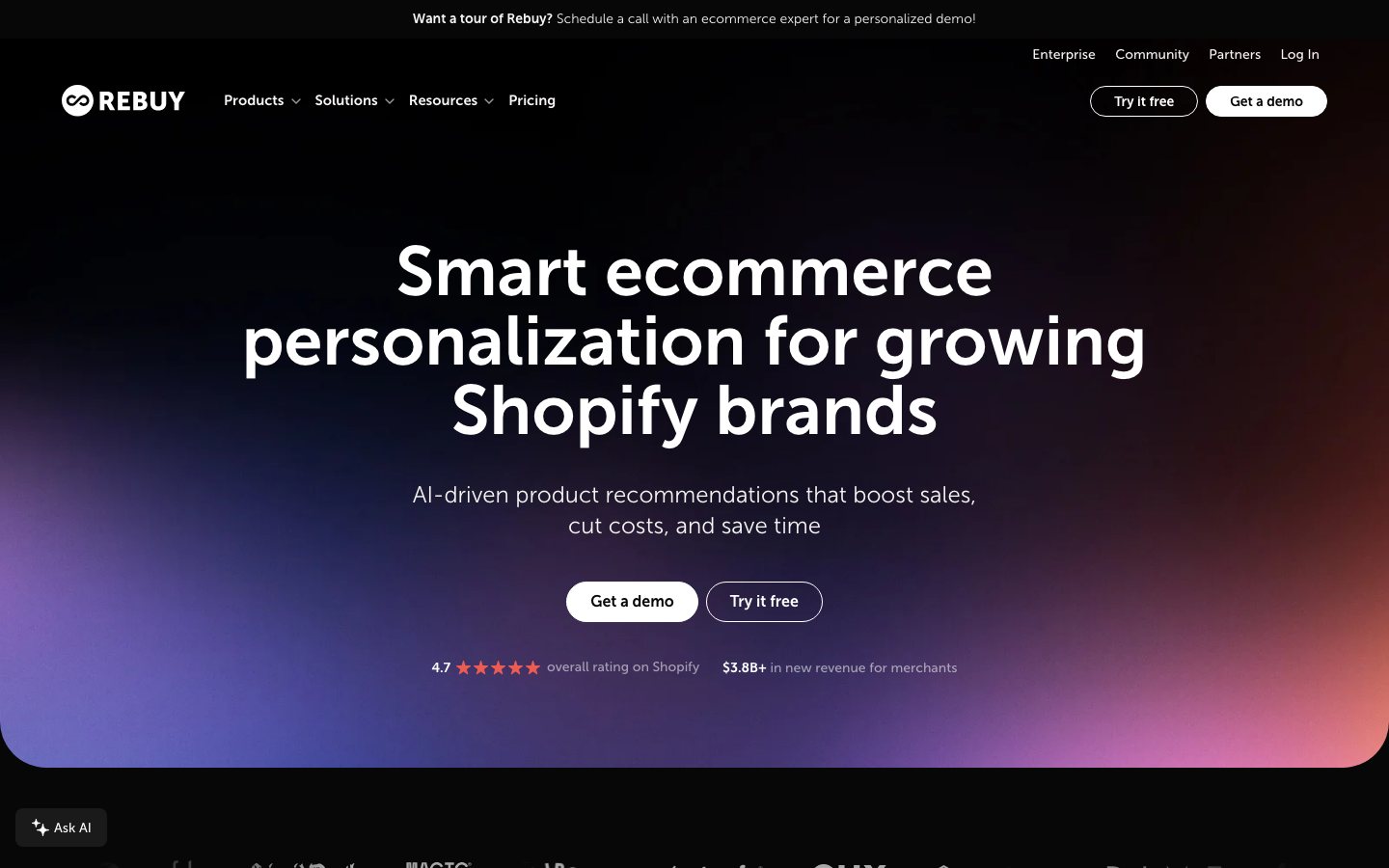
A shopper has an item in the cart and sees a gift offer, but cannot tell how much more to spend or what else to buy. Rebuy Smart Cart can put reward progress and relevant add-ons in the cart so the next step is clear. After configuring it, follow the gift and shipping example through to checkout to confirm the reward appears.
Smart Cart and merchandising are in the Cart & Merchandising package. If you also want to change checkout, confirm the purchased features separately; checkout extensions require Shopify Plus. Rebuy packages are priced against monthly Shopify orders, so estimate costs at ordinary and peak volume. Check package pricing and the Shopify listing for the features you need and compatibility with your theme and cart.
LimeSpot: should visitors from different ads see the same products?
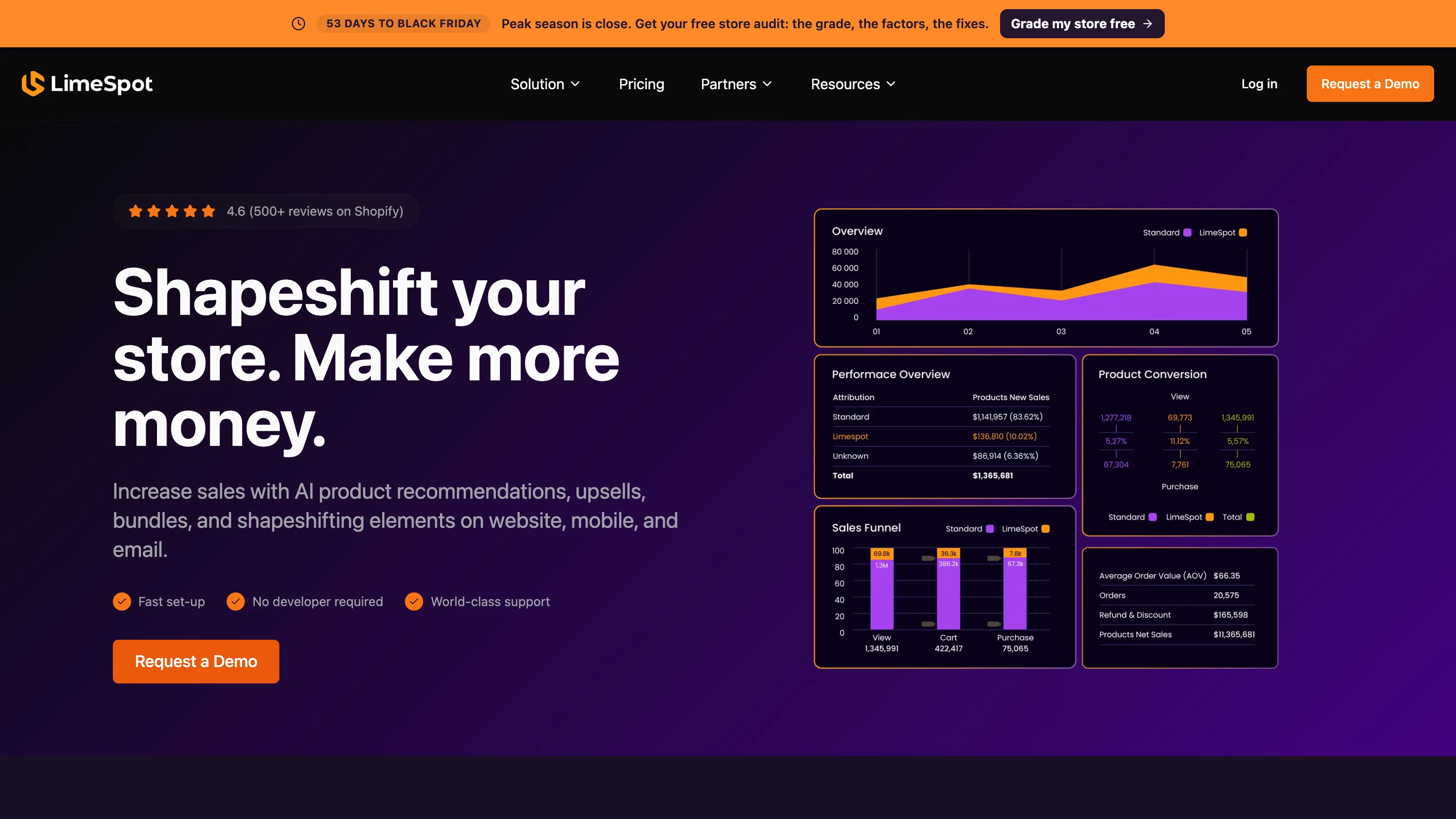
Suppose someone follows an outerwear sale ad and lands among recommendations unrelated to that offer. They have to start searching again. LimeSpot can adjust recommendations or content for different visitor groups. Start with the main sale landing page, choose relevant products and prepare a default for visitors whose source you cannot identify. You have a concrete page change to inspect.
Check the offering for your platform before planning those changes. Shopify Turbo and Max have different features and billing drivers, and Turbo does not support Shopify Plus. BigCommerce has a separate offering. Read the Shopify and BigCommerce plans for the audience and content controls you need.
If you are still deciding what to change, Growth Grader provides a read-only audit and suggestions. Someone still needs to carry out the changes. Growth Agents and onboarding services have their own availability conditions; using the Grader does not grant access to every agent feature.
Nosto: one item in the bundle sells out. What can you suggest instead?
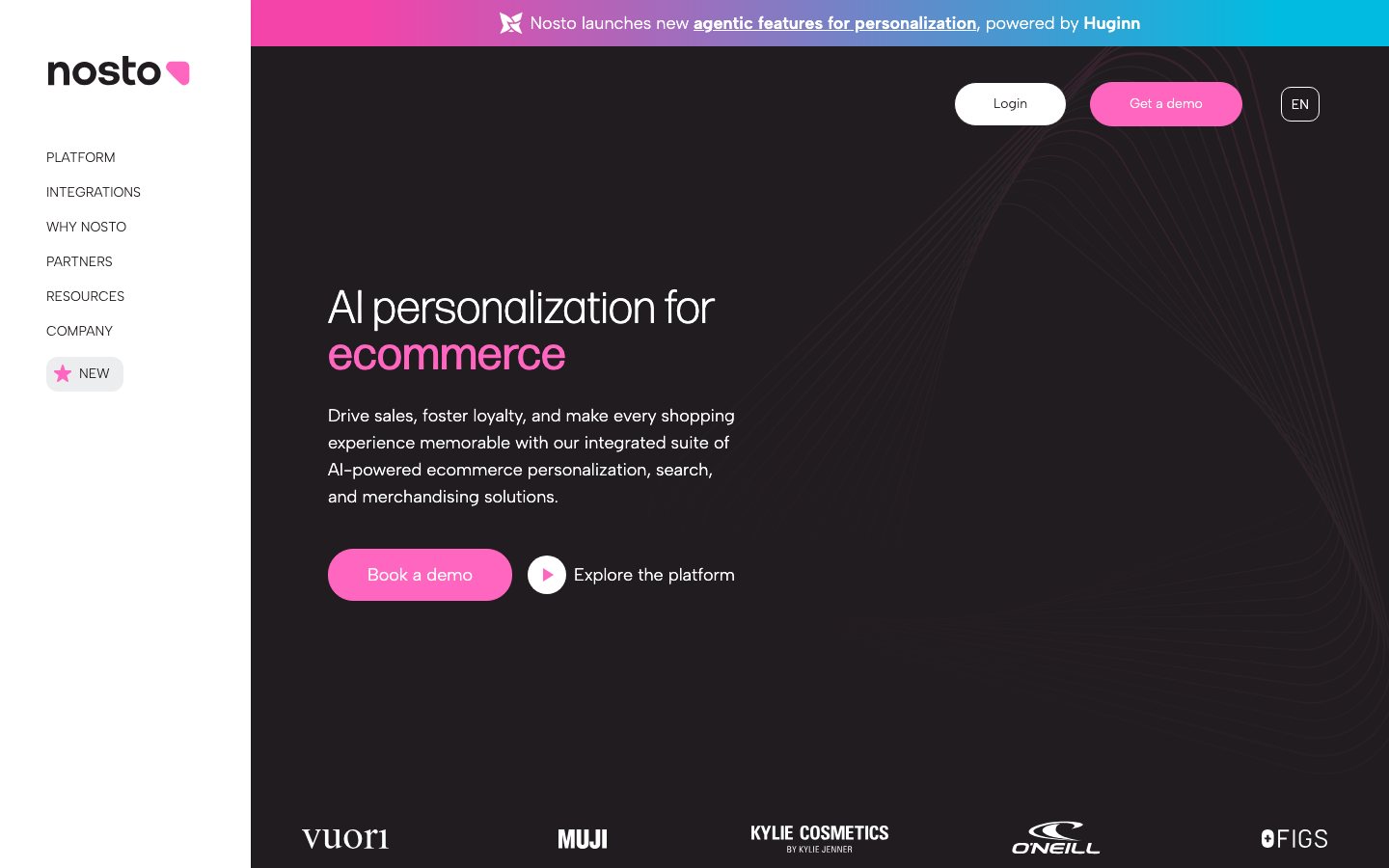
Suppose you regularly recommend a product with an accessory, and the accessory sells out during Black Friday. That combination now needs attention. Nosto's AI Bundles extends Dynamic Bundles with co-purchase suggestions, alternatives when stock changes and bundle opportunities for the team to review. With many products and changing combinations, it can help operators identify bundles to revisit.
Start with one common combination. Do the products work together? Are both available? Is the campaign price correct, and does the sale leave enough profit? A bundle may increase the value of an order; whether it persuades more shoppers to buy is a separate result to watch.
Existing Nosto customers should check that their modules and version include the required features. New customers also need people to connect product data, shopper events and the storefront. Pricing involves a platform fee, usage, modules and services. Qualified merchants can apply for a proof of concept to assess the fit for their store within an agreed scope; confirm its scope and cost separately. It is different from a standard self-service free trial. See AI Bundles and Nosto pricing.
Dynamic Yield: how do all your recommendations follow the same sale rules?
The homepage excludes products outside the sale, but the cart still recommends full-price items. Maintaining each placement separately makes it easier to miss one. Existing Dynamic Yield Recommendations customers can use Global Recommendation Filters to share campaign conditions across selected strategies, or across existing and future strategies.
The rules use product attributes Dynamic Yield has received, so someone must keep eligibility and stock data current. They govern recommendations; search still needs separate configuration. A new implementation also needs page context, shopper events and work to display recommendations in the storefront. Once the module and people are in place, follow the sale recommendation example. The official filtering guide explains where the rules apply.
Constructor: why can't shoppers find the product they came for?
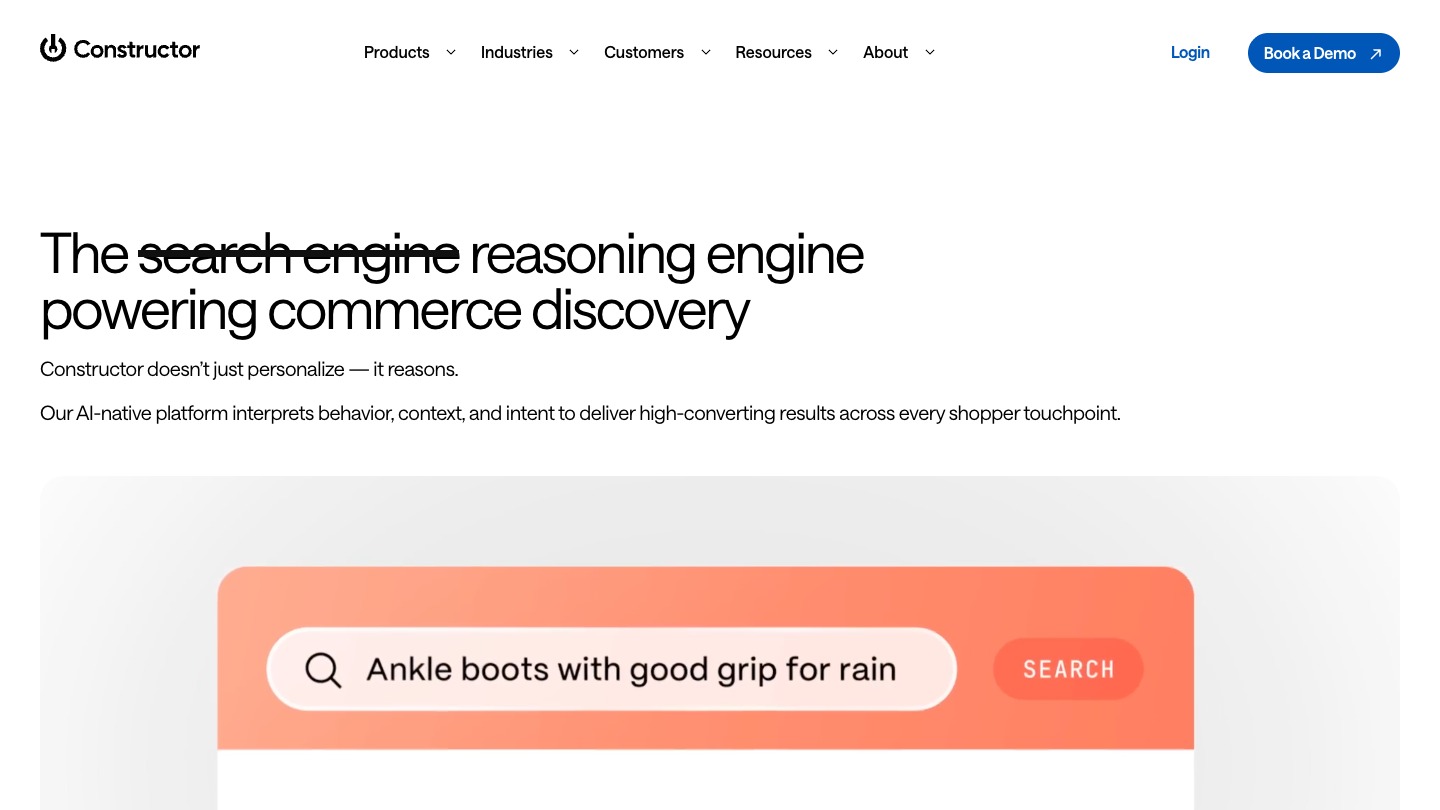
A shopper tries several searches without finding a suitable product, or opens a sale collection and still has pages to browse. Start with search and product ordering. Constructor supports search, category browsing and campaign collections. Test common queries, then organize sale products with collection rules to help shoppers find something they can buy.
Constructor offers Shopify and BigCommerce catalog connectors and a Shopify UI connector. You still need to check product information, record browsing and purchases, and verify the storefront display. Existing customers can start with collections and common queries. New customers replacing their search and browsing system need merchandising, development and analytics support, with a plan for maintenance after the campaign. See the Shopify UI connector and collection rules.
Rep AI: the shopper needs one answer before deciding to buy
“Is this in the sale?” “How are these two products different?” “Why won't my code work?” Without an answer, the shopper has a reason to pause. Rep AI can explain products and promotion conditions in a shopping conversation. Gather recurring support questions and supply the dates, eligible products and exclusions the assistant needs to answer them.
On the Shopify path covered here, Rep can also look up an existing code and apply a valid code the shopper names or accepts. Promotion information helps it explain the offer; the discount must actually exist. Confirm other platforms separately. When choosing a plan and session allowance, also assign someone to keep the terms current and handle questions the assistant cannot answer. The promotion example connects the question, code and checkout.
A sale recommendation leads to a product they cannot buy
Suppose a shopper opens “Black Friday picks.” One recommendation has sold out; another does not qualify for the offer. They have to go back and look again. If Dynamic Yield Recommendations is already connected, apply eligibility and stock conditions first, then let the recommendation strategy select and rank products from that smaller set.
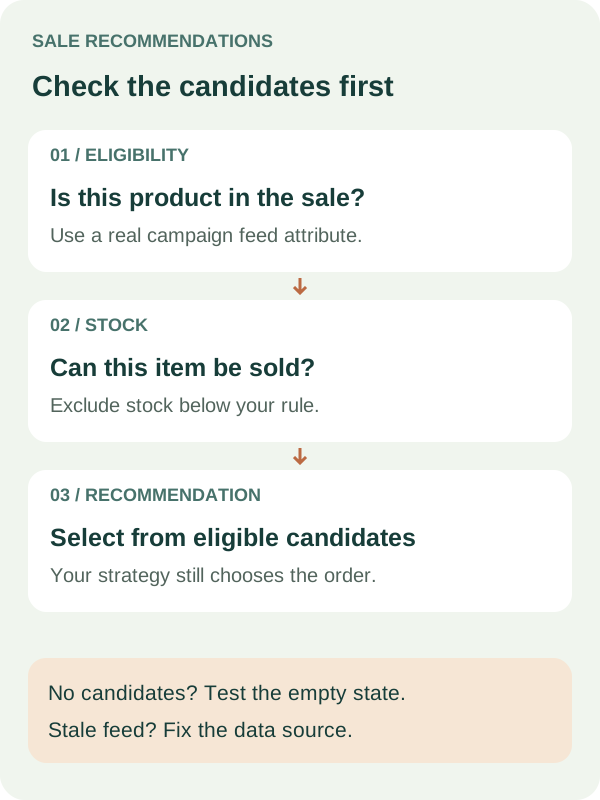
Ask the person responsible for product data which field marks campaign eligibility and how stock updates arrive. The campaign field might be called bfcm_eligible; use the name in your own data. If an item has just sold out and the update has not reached Dynamic Yield, the rule cannot know that yet.
In Assets → Strategies → Global Rules, create a rule to include campaign products and another to exclude unsuitable stock. Choose the strategies, inspect the matching-products preview and save. If you only want to change a few campaign placements, select their strategies; including all future strategies widens the scope. Follow the official configuration guide for the settings.
Before checking a full recommendation carousel, use four products whose campaign and stock status you already know. Check whether each enters the candidate set, so you can identify which condition needs attention.
| Test product | Campaign eligible? | Stock acceptable? | What the rules should do |
|---|---|---|---|
| A | Yes | Yes | Allow it into the recommendation candidates |
| B | Yes | No | Exclude the unavailable sale item |
| C | No | Yes | Exclude the item outside the promotion |
| D | No | No | Exclude it |
Product A can become a candidate without appearing in the final display: the recommendation strategy still selects and ranks. Once the preview looks right, check the real placements on desktop and mobile. Also try a case with no qualifying products. Find out whether the widget hides or shows fallback content so shoppers do not encounter an unexplained empty area.
If the rule excludes products that should appear, use pause Global Rule and check the storefront again. If stock updates are late, ask the person maintaining the feed to fix the sync; pausing a filter does not make the stock data accurate.
The cart promises a gift. Does it reach checkout?
Return to the shopper who added an extra item for a gift. They need to know how much more to spend, what they will receive and whether the reward appears when they pay. Rebuy Smart Cart can show progress. Also check that the gift is added correctly and Shopify applies the promised shipping rate, so the order matches the offer.
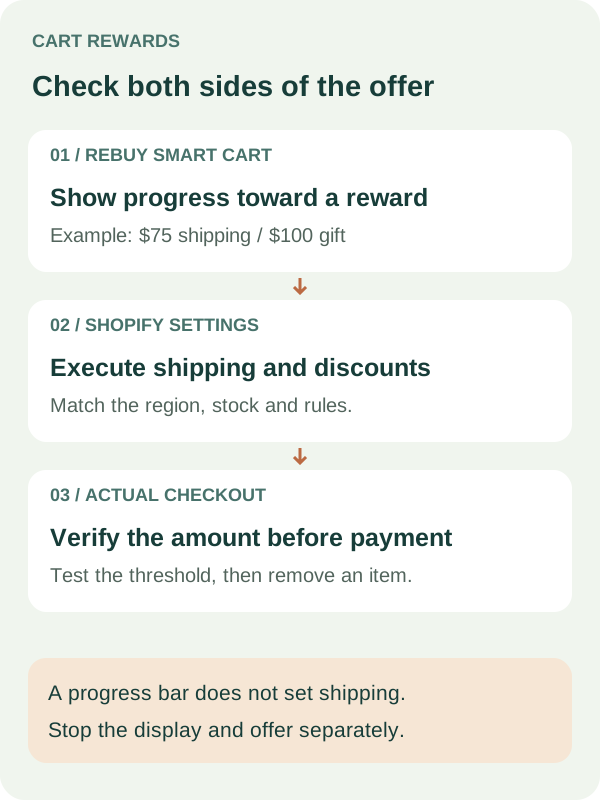
Suppose the offer is free shipping at $75 and a gift at $100. Those amounts illustrate the setup; choose actual thresholds using product margin, shipping cost and gift stock. Work through three tasks with Rebuy's setup guide and video:
- Prepare the gift SKU and stock, eligible shipping regions and discount-combination rules. Establish exactly what qualifies for a reward.
- In Smart Cart → Goal Box → Add +, add the Tiered Progress Bar and set the thresholds. The documented Use Shopify Functions switch supports automatic gifts or order discounts.
- Configure free shipping separately in Shopify shipping settings, using conditions that match the cart's promise.
Now behave like someone building a basket. Try $74.99, exactly $75, exactly $100 and above $100, and inspect the shipping charge, gift and gift price at checkout. Remove an item so the cart falls below a threshold, then check that the message and reward change accordingly. If the bar says “free shipping unlocked” but checkout charges shipping, investigate the Shopify shipping conditions.
Open Shopify's /cart page directly as well. Rebuy documents that the native cart page does not run Smart Cart's reward and upsell logic. Use the theme and cart guidance to inspect where your store's cart links take a shopper.
Test what happens when the gift sells out; do not assume it will be replaced automatically. If you use the separate Plus checkout progress bar, check the shipping-code limitation: a free-shipping code entered at checkout may not be reflected in the bar.
When the campaign ends, restore the intended Smart Cart configuration and review Shopify shipping and discounts separately. Hiding the progress bar can leave the underlying offer active.
A shopper asks if their code works. What should the assistant say?
Suppose someone has chosen a product and asks, “Can I use the Black Friday code on this?” The assistant needs the promotion terms and a way to check the code's actual conditions. For Rep AI on Shopify, prepare clear promotion information, then follow the shopper from the question to checkout to confirm the answer works for that order.
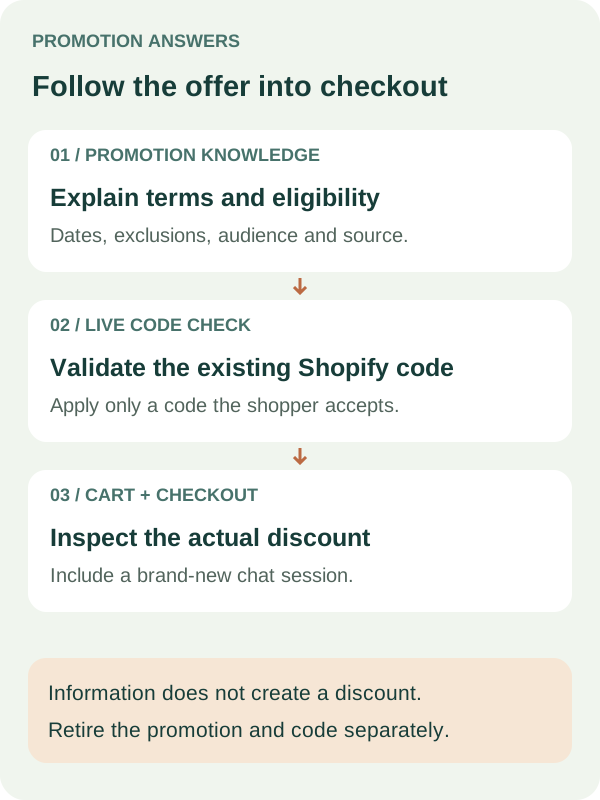
In Knowledge Base → Promotions, choose Discount or Informational. Write the offer, start and end dates, eligible visitors and exclusions. If only visitors from a particular campaign qualify, add landing-page or UTM conditions. A discount promotion should refer to a real code. Provide readable terms rather than leaving them only in a banner image. See promotion setup and promotion knowledge guidance.
Try the questions a shopper would ask: “Does this qualify?” “Why doesn't it work?” “Can I combine two codes?” “Exactly when does it end?” Then ask something missing from the supplied information. Check for invented terms and confirm that the configured handoff reaches a person when help is needed.
When the shopper mentions a code, Rep's live lookup can check Shopify's conditions, and in-chat application can handle a code the shopper names or accepts. Try valid and expired codes and a cart that does not qualify. If a code is already present, check that replacement asks for the shopper's confirmation. Third-party campaigns generating a unique code per shopper are outside the feature's stated support.
Finally, open a fresh conversation and proceed from adding a product to the step before payment. Rep documents that cart data may not be fully synced during the first few seconds, so a chat confirmation still needs a check against the checkout amount. Test your actual two-code combinations and the campaign cutoff in the time zone you expect.
When the offer ends, have support or the ecommerce owner retire the Rep promotion and the Shopify administrator retire the discount. Check a fresh conversation and checkout again. Assigning both tasks helps avoid an assistant continuing to describe an expired offer.
Did more shoppers buy after the change?
People click the recommendations and the assistant answers plenty of questions. Now check whether more shoppers finish buying. If they just open a product and leave, or build larger baskets while fewer people buy, there is more to investigate. Look separately at purchases, order value and promotion cost to decide whether the change is worth keeping.
For example, test sale-page recommendations by assigning eligible visits to the new or original version during the same period. A session-based purchase conversion rate is sessions with at least one completed purchase ÷ eligible sessions. Decide eligibility before exposure to the change. Include visits that never click a recommendation or start a chat, so the comparison does not select only people already more inclined to buy.
If the change only appears in the cart, also track how many cart sessions end in a purchase. Keep that measure separate from storewide conversion because they cover different visits. For a change reaching only a small audience, consider its traffic coverage when judging its effect on the whole store.
| What you want to know | What to measure | How to read it |
|---|---|---|
| Did more visitors buy? | Purchase sessions / eligible sessions | Use the same session definition and purchase event in both groups |
| Are shoppers still unable to find products? | Zero-result searches / all searches | Revisit the queries and whether the relevant products are in stock |
| Where do shoppers stop? | Add-to-cart sessions and checkout-start sessions, each divided by eligible sessions | Use these steps to locate a problem, then check completed purchases |
| Did each order get larger? | Net order revenue / completed orders | Check whether purchase conversion fell as order value rose |
| Are the extra orders profitable? | Order profit, with discounts, gifts, shipping subsidy and product costs | Use consistent revenue and cost definitions without omissions or double counting |
| Were orders later cancelled or refunded? | Refunded or cancelled orders / completed orders | Give each group the same follow-up window |
Ask what a number means when reading vendor cases, too. Nosto's Marc Jacobs case describes merchandising for discount-sensitive traffic and reports that Nosto powered 22% of on-site sales during BFCM 2024. That is a share of attributed sales. It does not mean conversion rose 22%, or establish that those orders would not have happened without Nosto.
LimeSpot's Black Forest Décor case describes a six-week A/B comparison with native recommendations and reports a 10% increase in session/purchase conversion. This is a vendor-reported experiment without the public sample size and statistical detail needed to reproduce the result. It offers an approach to investigate, not a Black Friday target every store can expect to reach.
Use a concurrent control when traffic and implementation allow it. Comparing Black Friday with an ordinary October weekend can mix changes in traffic, offers, stock and buying intent. With too few visits to judge the effect reliably, first confirm that the offer works and shoppers can finish buying, then keep collecting data.
Walk through a purchase before sending the campaign
Before the ads and emails go out, have the person responsible for the change start at the campaign entry point, find a product, ask about the offer, add it and proceed to the step before payment. Once the ordinary order works, try a sold-out gift, a removed item and an expired code. Agree on what the shopper should see and who will pause the change if the result is wrong.
| Who checks | Try shopping this way | What to do if it goes wrong |
|---|---|---|
| Merchandising and data | Follow an unavailable recommendation, find an excluded item in the sale, or reach an empty recommendation set | Keep the original rules and scope; pause campaign rules if needed and address data updates separately |
| Shopify administrator | Qualify exactly, then remove an item; encounter a sold-out gift; enter through /cart; combine shipping offers and codes | Keep the previous cart configuration and record and check shipping and discount settings separately |
| Ecommerce or support | Ask about expired offers, missing terms and cutoff times; use a code just after opening chat; request a person | Update or retire promotion knowledge and relevant codes, and keep the normal support route available |
| Analytics owner | View a recommendation, add to cart, start checkout and complete a purchase | Confirm each step is recorded without duplicate orders, and record when the change starts and stops |
Keep the test cart, expected amount, actual result and responsible person together, and walk through the purchase on desktop and mobile. For a gift campaign, the qualifying gift should reach checkout, and removing an item should produce the right result too. If that does not work consistently yet, use the simpler offer you have already checked while fixing the problem.
For inventory, email, support and delivery preparation, continue with the Black Friday ecommerce tools guide. To explore tools for another operating task, return to the ecommerce tool directory.


Comments
Share experience or ask a question. Comments are plain text; any external link is automatically marked nofollow.
No comments yet.