
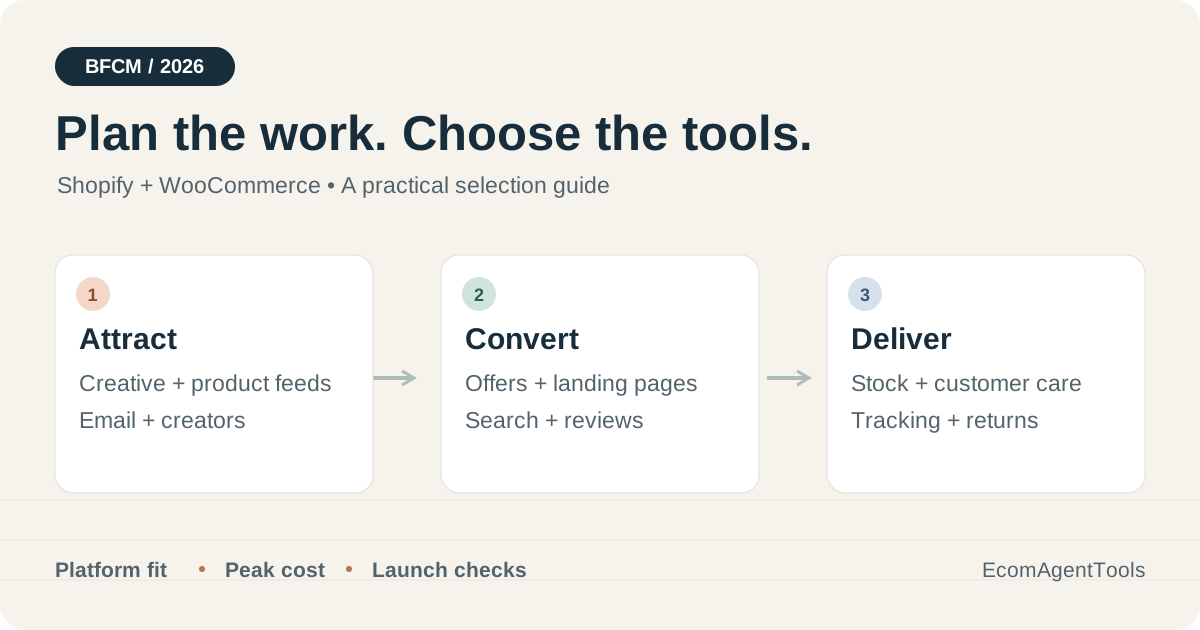
Once the Black Friday sale starts, customers need to see the offer and get through checkout, and your team has to handle the orders that follow. Choose Black Friday ecommerce tools around those jobs. For a small Shopify store, Shopify's own apps are a good place to start, with specialist software added where you need it. On WooCommerce, plan for backups, caching and recovery alongside the marketing plugins.
This guide explains which tools help with each job, when a paid option makes sense and how to work out what peak usage will cost. In 2026, Black Friday falls on November 27, followed by Cyber Monday on November 30. You'll often see the shopping period called BFCM, short for Black Friday Cyber Monday.
Jump to: Tool shortlist · Measurement · Cost examples · Store combinations · Launch rehearsal
Choose Black Friday ecommerce tools by the job
Start with the problem your store most needs to solve, then choose a tool for that job. You don't need to install everything in the table.
If support can't keep up, start with the customer-service tools. If stock errors keep cropping up, look at inventory management. Check that your choice works with your store's platform, and decide who will own the work.
| Operating job | Shopify shortlist | WooCommerce shortlist | What changes the decision |
|---|---|---|---|
| Offers and larger baskets | Shopify Bundles; Zipify OneClickUpsell | Product Bundles; Dynamic Pricing | Fixed bundle, quantity discount or an extra purchase after checkout? |
| Campaign pages | Theme editor; PageFly; Replo | Existing WordPress editor and theme | Number of live pages, testing needs and editing capacity |
| Search and reviews | Search & Discovery; Judge.me; Searchanise | Searchanise; Product Reviews Pro | Catalog complexity and existing review data |
| Creative and product feeds | Canva; DataFeedWatch | Canva; DataFeedWatch | Asset volume, variants, channels and update frequency |
| Email, SMS and capture | Shopify Forms + Messaging; Klaviyo; Omnisend | Klaviyo; Omnisend | Contact count, sends and customer events |
| Creators and retention | Shopify Collabs; Smile.io | AffiliateWP | Existing creator relationships or a recurring-customer program |
| Customer service | Shopify Inbox; Gorgias | Gorgias for shared support and order visibility | Required order actions differ by platform |
| Inventory and operations | Inventory Planner; Shopify Flow | Inventory Planner | Forecasting, purchasing or simply routing an alert? |
| Delivery and returns | AfterShip Tracking; AfterShip Returns | Verify each AfterShip product's connector and required actions | Shipments and returns have separate plans |
| Reliability | Existing platform monitoring; UptimeRobot | VaultPress Backup; WP Rocket; UptimeRobot | Restore coverage, checkout behavior and alert ownership |
| Measurement | GA4; Clarity; Triple Whale | GA4; Clarity; Triple Whale with integration checks | Funnel diagnosis versus cross-channel attribution |
The sections below explain the tradeoffs. For broader discovery, the EcomAgentTools directory connects these tasks to detailed tool comparisons.
Build offers customers can actually complete
Write down the offer you want to run. Are you selling several products as a set, or asking shoppers to add another item to their purchase? If a straightforward discount can't do what you need, look at bundle and upsell software.
Shopify Bundles lets you sell fixed sets and multipacks, such as a set of skincare products. It's free across Shopify plans. Check two details when setting up the promotion: a product-specific discount needs to include the parent bundle product, and changing the price of an item inside the bundle won't automatically change the bundle's price. Shopify Bundles documentation
Zipify OneClickUpsell offers extra items before or after a purchase. Consider it if you have a suitable accessory or replenishment offer, and can track how much margin those extra sales leave. Its monthly fee rises with the revenue generated through its upsells, from $9.95 to $999. Placing an offer within checkout requires Shopify Plus. Use your expected campaign upsell revenue to estimate the fee; the starting price won't necessarily be your bill. Zipify pricing
On WooCommerce, Product Bundles is for grouped products and kits that customers can configure. Dynamic Pricing is for offers based on quantity, product category or cart rules. Both are paid extensions with annual billing options. Setting up a bundle involves different work from setting up a volume discount, so choose around the offer you plan to run. Product Bundles · Dynamic Pricing
Before launch, try placing an order with a sale item, a bundle and a discount code, then refund one item. Check that the displayed saving, amount charged and remaining stock agree. This is a way to check your own setup; it doesn't mean every combination of tools will work together out of the box.
Give each campaign a useful landing page
Consider a page builder when your current theme makes it hard to create the campaign layout you want or test different versions. That's the work the subscription should help you do.
For a few Shopify campaign pages, start by looking at PageFly. Free allows one published page or section. Builder starts at $24 a month for five published pages or sections, while A/B testing is listed in the $99-a-month Accelerate plan. Count the sections you've published as well as the full pages when choosing a tier. PageFly listing
Replo is worth comparing if your team regularly builds dedicated landing pages and wants to reuse designed sections across campaigns. You can build and preview for free, but publishing requires a paid plan. The App Store lists Starter at $119 monthly or $1,188 annually, with 15 published items. Its public sources have shown different testing-session limits, so confirm the allowance in the purchase flow before paying. Replo listing
For one gift guide or sale collection, your existing Shopify theme or WordPress editor may be enough. Spend the time making the offer, shipping deadline and returns terms clear, then try buying on a phone. If you already use PageFly or Replo, duplicate a page that works well, replace the campaign content and check its embedded reviews, cart and discount elements before publishing.
Help shoppers find a product and trust it
If shoppers can't find a suitable product, check the search experience. If they find it but still lack enough information to choose, look at the reviews. Search and review tools help with these two different reasons for leaving.
Shopify's Search & Discovery gives you filters, synonym groups, product boosts and related-product recommendations. Set them up around the words customers actually search for. They may look for a gift recipient or a use case without knowing what you've called the collection. Shopify Search & Discovery
Look at Searchanise if you need more control over autocomplete, filters and how products appear in search results. It has Shopify and WooCommerce offerings, but check the plan and theme setup for your platform; the features aren't necessarily identical. During a trial, try the searches your store currently handles poorly. Searchanise platform and feature overview
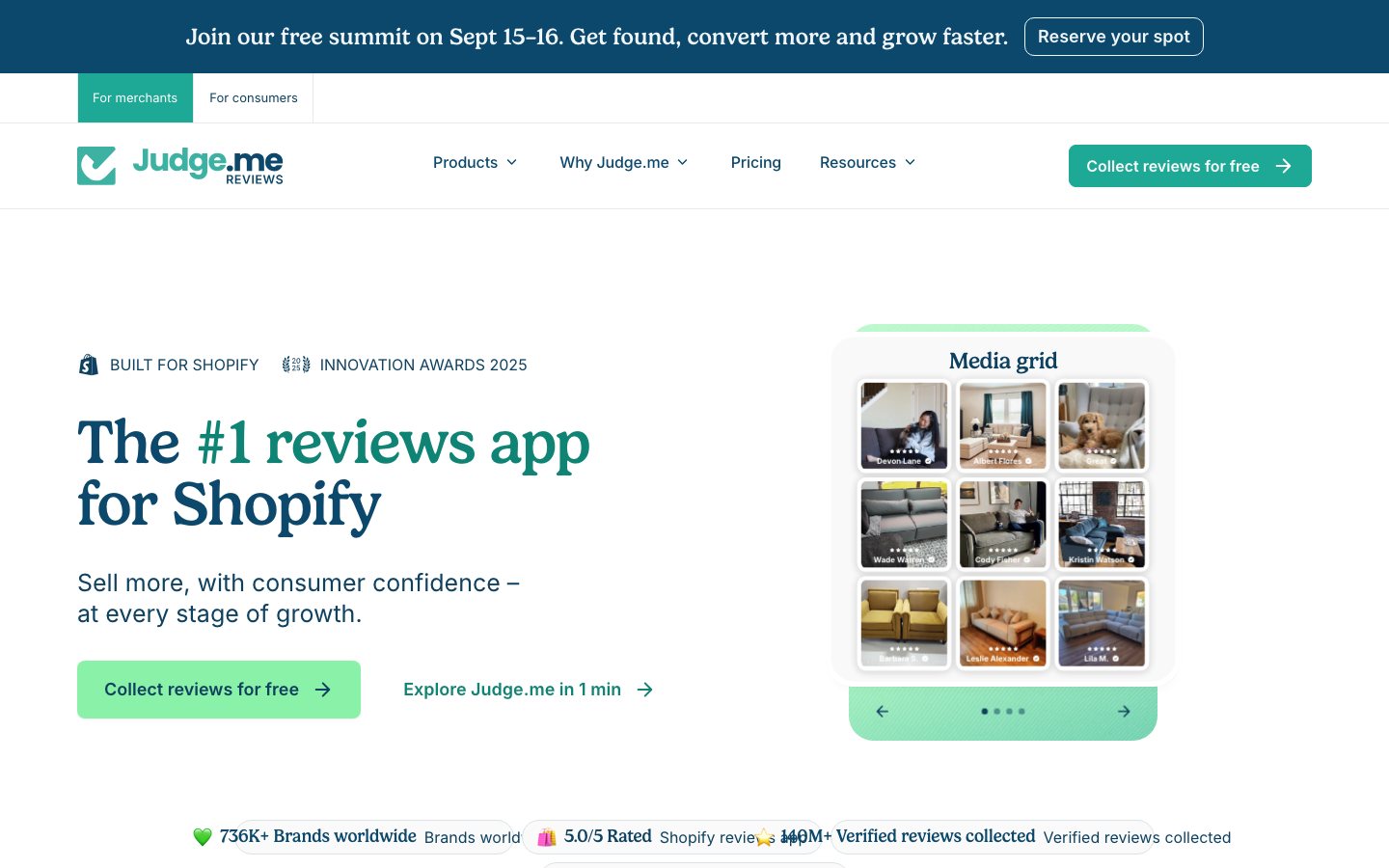
For collecting and displaying Shopify reviews, Judge.me has a free plan and a $15-a-month Awesome plan. If you already use it, check that the products you're promoting display their real reviews and that review requests fit the delivery schedule. WooCommerce stores should leave it off their new-tool shortlist: Judge.me has sunset its non-Shopify services. Judge.me plans · Platform sunset notice
On WooCommerce, Product Reviews Pro adds photo and video reviews, plus questions that help buyers give more detail, such as whether the size fits. Its one-year plan is listed at $79. Consider it when those details would help customers choose. If you're moving existing reviews, check that each one still maps to the right product and displays correctly. Product Reviews Pro
Produce campaign assets and keep ad feeds accurate
Campaign artwork and the product data sent to ad channels need separate attention. Design software helps you make the assets; feed software helps keep the product information in those channels correct.
Use Canva to turn approved product images into sale banners, email graphics and social assets. A small team can agree on one design, then adapt it for each placement. Pro includes Brand Kit, resizing and background removal. Check the destination URL and actual discount for every version you export. Budget from the current quote in your region, rather than an old launch announcement's team price. Canva Pro · Our Canva guide
DataFeedWatch is worth looking at when different ad channels need different product rules, or you need more control over how product fields map between systems. Shop costs $64 a month for one store, 1,000 SKUs and three feeds, with one sync a day. The count includes variants downloaded from the source feed. For a short promotion, check whether that update frequency can keep up with your price and stock changes; it may matter more than the number of channels. Pricing and integrations · Product-count definition
Before buying a feed manager, check what your current channel connector sends for a sale item, an out-of-stock variant and a product with several sizes. If the prices and availability are right and update often enough, adjusting the existing feed rules may be all the campaign needs.
Choose email and SMS software around the audience
Before choosing email software, work out who you'll send to, what follow-up messages they should receive and how many emails you'll send in the busiest month. The tool needs to support those customer groups and sequences, with enough capacity to deliver them.
For collecting signups and sending Shopify campaigns, Shopify Forms + Shopify Messaging are a native starting point. Forms can collect customer information, offer a signup incentive and pass the information into segmentation or automation. Eligible Basic, Grow, Advanced and Plus stores get 10,000 email sends per calendar month. In the first paid band, additional sends cost $1 per 1,000. SMS costs extra. Shopify Forms · Messaging email pricing
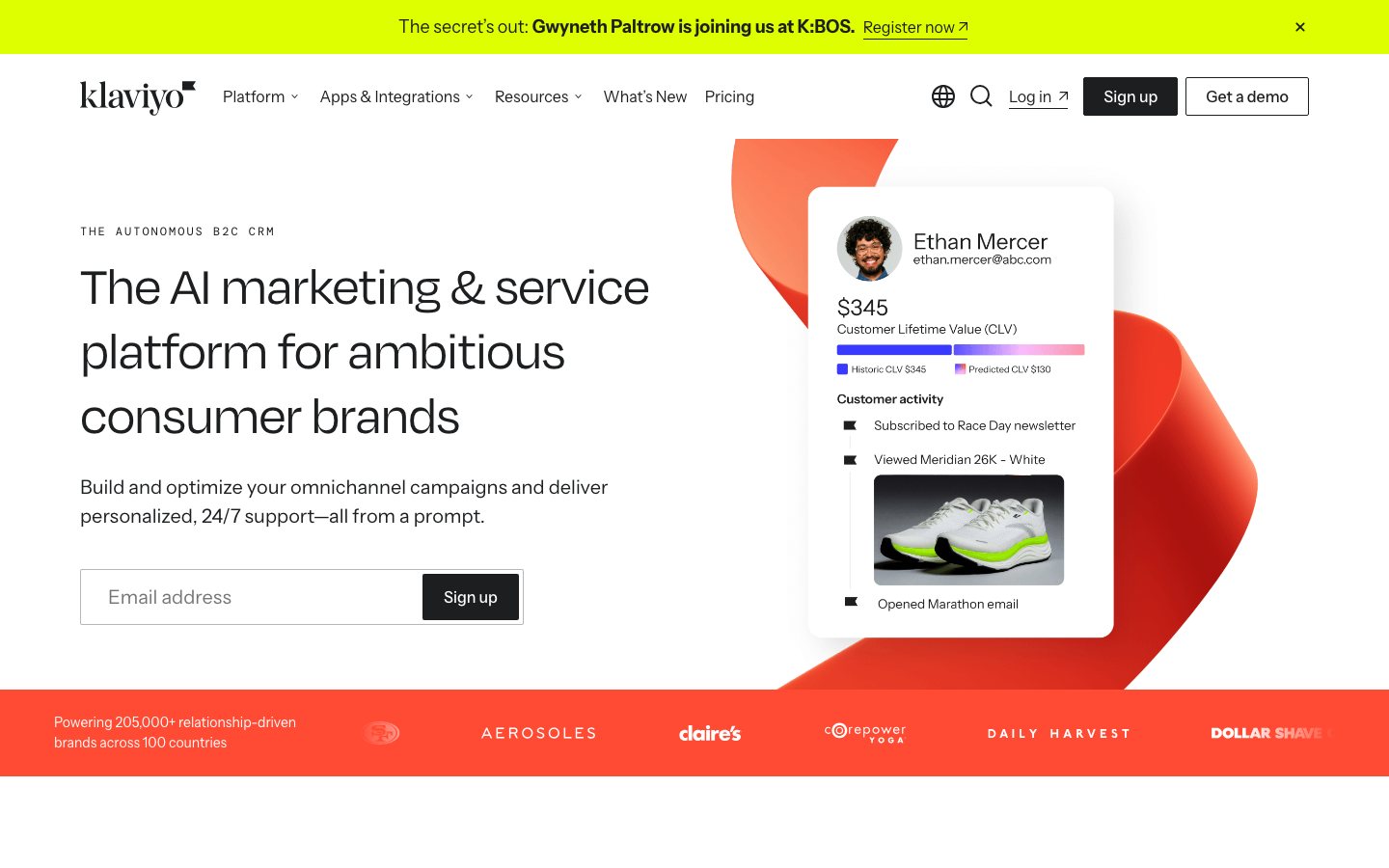
Look at Klaviyo if you want to group customers by their activity and send automated follow-ups. It integrates with both Shopify and WooCommerce. Budget for the active profiles in your account, your email allowance and mobile messaging usage. Free includes 250 active profiles and 500 emails a month, enough to evaluate it but restrictive for a substantial BFCM list. Klaviyo pricing · Klaviyo buying guide
Compare Omnisend if you want email, SMS and web push in the same campaign workflow. Standard's monthly email allowance is 12 times the billable list size; calculate SMS credits separately. You can use its automation tools for the campaign and start with the channels your team is ready to run, without turning everything on at once. Omnisend pricing
If your current sending setup works, check what's already in the account: the signup offer, reminders that shouldn't go to recent purchasers, abandoned-cart messages and automations that might send overlapping emails. If you're moving platforms, leave time to check customer events, the sending domain and suppression records before the first large send.
Use creators and loyalty when the relationship already exists
Creator and loyalty tools help you manage a program, but you still need partners or customers who want to take part. Start with the relationships and returning-customer base you already have.
For a Shopify store working with relevant creators, Shopify Collabs handles invitations, gifts or discount codes, sales tracking and payments. Allow time to send products and approve content before the sale. The app can manage the work, but you still have to build the relationships. Shopify Collabs
For a WooCommerce affiliate program, look at the WordPress plugin AffiliateWP. Check which plan includes the tracking and commission features you need, and set aside money for commission payments as well as the subscription. Before sharing the links, agree how a returned order will affect the commission. AffiliateWP
Shopify stores can use Smile.io for points and referrals, with VIP programs and bonus events on eligible tiers. If you already use it, you can prepare a bonus-points event or member offer. Check the monthly order allowance and overage rate when budgeting: a holiday increase in orders can raise the bill even if membership barely changes. Smile.io plans
Prepare support for delivery questions and exceptions
When a customer asks about delivery, a cancellation or a refund, the agent needs to find the right order, take the next action and keep the conversation history. Judge support software by how well it helps the team do that work.
Start with Shopify Inbox if you mainly need to handle storefront conversations. Its optional Inbox agent can answer using your catalog, store policies and knowledge content. Before enabling it, make sure the sale exclusions, shipping cutoffs and returns instructions are accurate so automated answers have the right information to draw on. Shopify Inbox
Compare Gorgias if your Shopify team needs to handle support together and act on orders from the helpdesk. Its Shopify documentation includes cancellation and refund actions.
WooCommerce stores need to check a different set of limits. The integration shows customer and order information, but doesn't support creating, editing, cancelling or refunding orders. You also can't use WooCommerce data in Rules or use the integration's Automate features. If agents need to complete those order actions inside Gorgias, these limits affect the choice. Shopify actions · WooCommerce limitations · Gorgias guide
Gorgias charges by helpdesk usage, rather than the number of agents. Under its current billing model, a conversation fully resolved by AI Agent can incur both a ticket fee and an automation fee. Check which billing model your account uses before estimating the BFCM bill. Billing definitions
Give the team a short list of what to do about damaged products, late deliveries, wrong addresses, excluded discounts and partial returns. Agree who can approve a refund and which cases must go to a person. When the queue grows, agents need to know what to do next.
Plan stock and automate routine follow-up
Inventory planning helps you decide what to buy and how much. Workflow software handles a different job: once you've set the rules, a store event can trigger a notification or a follow-up action.
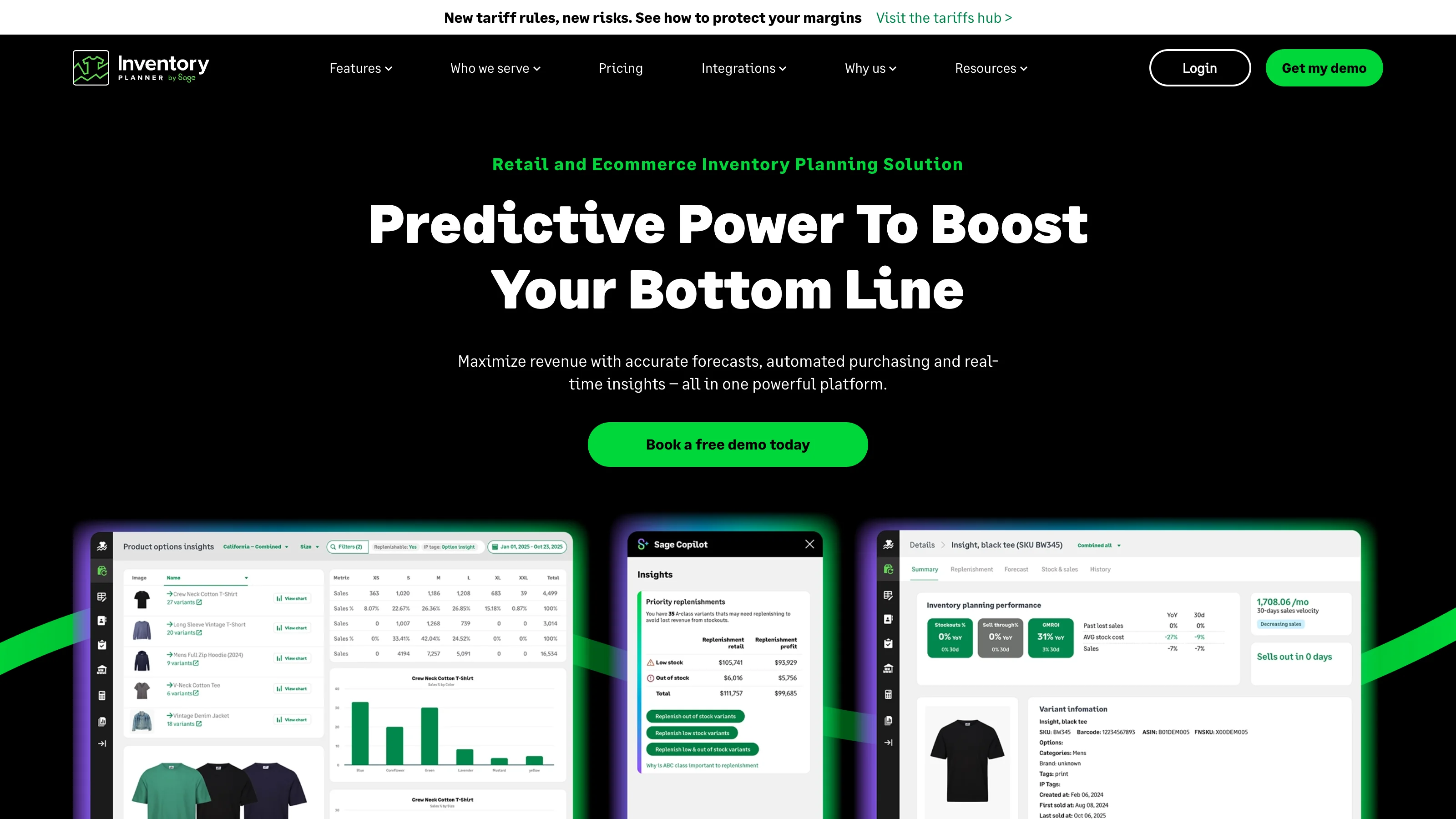
Look at Inventory Planner if you need to plan replenishment across products or locations. It integrates with Shopify and WooCommerce, and quotes prices according to the volume of inventory managed. There isn't one monthly starting price that represents every store. If you already use it, compare normal demand with promotion demand, check supplier lead times and flag stock that won't arrive before the sale. Pricing · WooCommerce integration · Inventory Planner guide
A new forecast needs reliable sales and stock history. Check whether there's still time to replenish, too. Software can't make a shipment arrive before the sale if the lead time won't allow it. You can still use the planning work to change the offer or allocate the stock you already have.
Shopify Flow is free on Basic, Grow, Advanced and Plus. It runs workflows when specified events happen, with some actions restricted by plan. Start with a clear event and follow-up, such as sending an operational notification to the person responsible. Check that the trigger, action and app connector exist for the job you want; being able to send an alert doesn't necessarily mean it can update another system. Shopify Flow
Separate shipment tracking from returns
Look at the work piling up after purchase. Is the team checking delivery updates, approving returns, arranging exchanges or producing shipping labels? Choose software around that workload.
AfterShip Tracking is for branded tracking and shipment notifications. AfterShip Returns provides a returns portal and return-handling workflow. They have separate prices, allowances and integration requirements. Before subscribing, check each product's support for your store platform, carriers and the actions you need to complete. Tracking plans · Returns plans
Read the period beside each allowance carefully. One example on the tracking pricing page uses 6,000 shipments per year; the returns example uses 240 returns per year. Even if the price is displayed per month, check the annual commitment and how the allowance works. Those figures aren't unrestricted monthly quotas, and a tracking subscription doesn't include returns by default.
If you're already a customer, check delivery-exception notifications and the sale policy in the returns portal before traffic rises. Have one system send each type of shipping notification so customers don't receive conflicting messages. Budget label costs and carrier charges separately from the software fees.
Make WooCommerce recovery part of the campaign plan
Before a WooCommerce campaign, make sure you have a way to recover from a failed change and have actually tested it. Alerts also need to reach someone who can fix the problem.
Jetpack VaultPress Backup provides real-time cloud backups and restores. Consider it if your hosting arrangement doesn't cover the recovery you need. Check storage, retention and what happens to orders during a restore. Rehearse on a staging copy, especially where order-related plugins have their own tables; don't assume every table has the same protection. VaultPress Backup
Look at WP Rocket if you've found a caching or front-end performance problem in your WordPress store. It automatically excludes WooCommerce cart, account and checkout pages from caching. After configuring it, test your cart and discount updates, especially anything customized. A product page that loads faster still needs to lead to a cart showing the correct contents. WP Rocket's WooCommerce guidance
UptimeRobot checks website or endpoint availability and sends alerts. Choose the check interval and notification channels around how quickly your team needs to respond. A homepage can be available while customers can't pay, so keep a separate checkout test in the launch routine. UptimeRobot plans
Also check hosting capacity, payment methods, local currency displays and shipping rates, and decide who handles fraud review. Some of this may already be covered by platform settings or service contracts. Check those arrangements before adding another specialist subscription.
Measure sales and investigate the weak steps
Decide what you need the data to tell you: how many purchases completed, where shoppers struggled on the page or which marketing channels contributed to orders. The tools below help answer different parts of that question.
Google Analytics 4 can show the ecommerce funnel once the relevant events are implemented. Installing analytics alone won't automatically send all of Google's recommended ecommerce events; they need additional information. Place a test order and check that its value, currency and transaction identifier match what reaches analytics. GA4 recommended events
Microsoft Clarity provides heatmaps and session recordings so you can investigate how customers use a page. You might check whether the size selector is confusing or a promotion banner covers a button. Configure recording and consent controls appropriately, and use the recordings to diagnose problems. Reconcile completed sales against order data. Microsoft Clarity
Compare Triple Whale if you want marketing measurement in one place. Paid pricing depends on annual GMV, or gross merchandise volume, and the package you choose. WooCommerce stores planning to use Sonar need developer implementation; that setup is documented as beta. This applies specifically to Sonar, rather than every WooCommerce feature. Complete the integration you need and check the data before using the dashboard to make campaign decisions. Triple Whale pricing · WooCommerce Sonar setup
Budget for sends, variants and peak support usage
The starting price on a tool's homepage may be quite different from your BFCM bill. Estimate how much you'll use, then include setup labor and any annual commitment in the budget.
The following three hypothetical scenarios show how to work through the costs. They're planning examples, rather than vendor quotes or measured store results.
| Scenario | Calculation | Buying implication |
|---|---|---|
| Shopify campaign to 5,000 subscribers, four sends | 20,000 email sends; if no other chargeable emails use the month's free allowance, (20,000 − 10,000) ÷ 1,000 × $1 = $10 | Add other campaigns and chargeable automations before budgeting. SMS is separate. |
| 800 parent products, each with four variants in the source feed | 800 × 4 = 3,200 source items | DataFeedWatch's 1,000-SKU Shop tier is insufficient; the $84/month Merchant tier includes 5,000 SKUs. Also check feed and sync needs. |
| 1,000 billable Gorgias tickets, including 300 fully resolved by AI Agent | 1,000 ticket events + 300 AI outcomes, priced under the account's plan | The 300 AI tickets are already inside the 1,000. Check both allowances and overage prices. |
The calculations use Shopify's email rules, DataFeedWatch's tiers and Gorgias's billing definitions. A comparison between Klaviyo and Omnisend also needs matching audience and send inputs; their smallest advertised plans are not equivalent campaign quotes.
Three practical combinations to start from
Use these three store combinations as editorial starting points, then adjust them for your workload and the people available to maintain the tools. You'll still need to configure and check the integrations; the combinations aren't preconfigured packages or guaranteed budgets.
| Store situation | Suggested combination | What to resolve first |
|---|---|---|
| Small Shopify store, straightforward sale | Theme editor, Forms + Messaging, Bundles, Search & Discovery, Judge.me, Inbox and native reporting | Confirm the offer and purchase path. Add PageFly if the theme blocks the campaign layout. |
| Shopify brand with frequent campaigns | One of Klaviyo or Omnisend, one of PageFly or Replo, Gorgias; add DataFeedWatch, OCU or Triple Whale for a defined need | Check audience events, support usage and margin after upsells. Keep existing tools when their workflows already work. |
| WooCommerce store with several plugins | Existing editor, appropriate bundle or pricing extension, one email platform, Product Reviews Pro; backup, performance and uptime coverage | Test plugin interactions and recovery. Add inventory planning or post-purchase software when the manual workload warrants it. |
For a closer comparison, browse ecommerce software on EcomAgentTools with the job and platform already chosen.
Put the chosen tools through a launch rehearsal
Before launch, follow the route a customer will take: enter from the ad, place an order and continue through to a refund. Use the same systems and permissions the team will have during BFCM so the rehearsal can reveal problems they'll actually face.
| When | Work to complete | Evidence to keep |
|---|---|---|
| Four to five weeks before launch | Select tools, connect data, confirm plans and owners | One working workflow per added tool; expected peak bill |
| Two to three weeks before launch | Prepare creative, pages, customer groups, offers and support policies | Reviewed assets, correct events and sample messages |
| Final week | Test mobile checkout, discount combinations, stock, notifications, tracking and refunds | Order IDs and screenshots showing expected totals and state changes |
| During the campaign | Monitor sales, send capacity, support queues and exceptions | A named person for each alert and a way to disable a failing feature |
| After Cyber Monday | Process returns, reconcile revenue and costs, review subscriptions | Net contribution after discounts, shipping, returns and software fees |
If you're starting late, deal first with the work most likely to fail under load and simplify the offer. If the current setup works, spend the time improving campaign content and operating rules. Before buying another tool, be able to explain the problem it will solve and how you'll check that it has solved it.
For more detail on the underlying operating decisions, continue with our Shopify inventory guide, AI customer-service selection guide, or return to EcomAgentTools to compare candidates.
If you found this article useful, please leave me a positive review. It means a lot to me. If you still have questions, leave a comment too, and we can work through them together.




Comments
Share experience or ask a question. Comments are plain text; any external link is automatically marked nofollow.
No comments yet.