
OpenAI DevDay 2026: Your next ecommerce coworker?
Email over breakfast, shared reports and less time switching tools: what the September 29 announcements could change for a small ecommerce team.
Find tools and resources for customer support, product content, marketing, analytics, inventory and fulfillment.
Start with the job you need done, then choose a prompt, reusable skill or SaaS tool based on the data access, setup and review the work requires. Explore the workflows below or describe your task to the matcher.
Start with the work you need to improve. Browse eight ecommerce workflows to find relevant AI tools, reusable skills and prompts, then check each resource's capabilities, requirements and limits.
Start with delivery questions, product descriptions or restocking, then choose AI tools, skills or prompts. Check system integrations, actions, plans and subscription, usage and setup costs. Distinguish read access from order changes; set human approvals and exception handoffs. Run a small trial of routine and unusual cases. Compare time, accuracy, human effort and total cost; expand when results meet your needs.
Skills and SaaS tools each list their top 10 pages by recent Google Search clicks, with impressions breaking ties. Prompts follow the catalog’s recommended order.
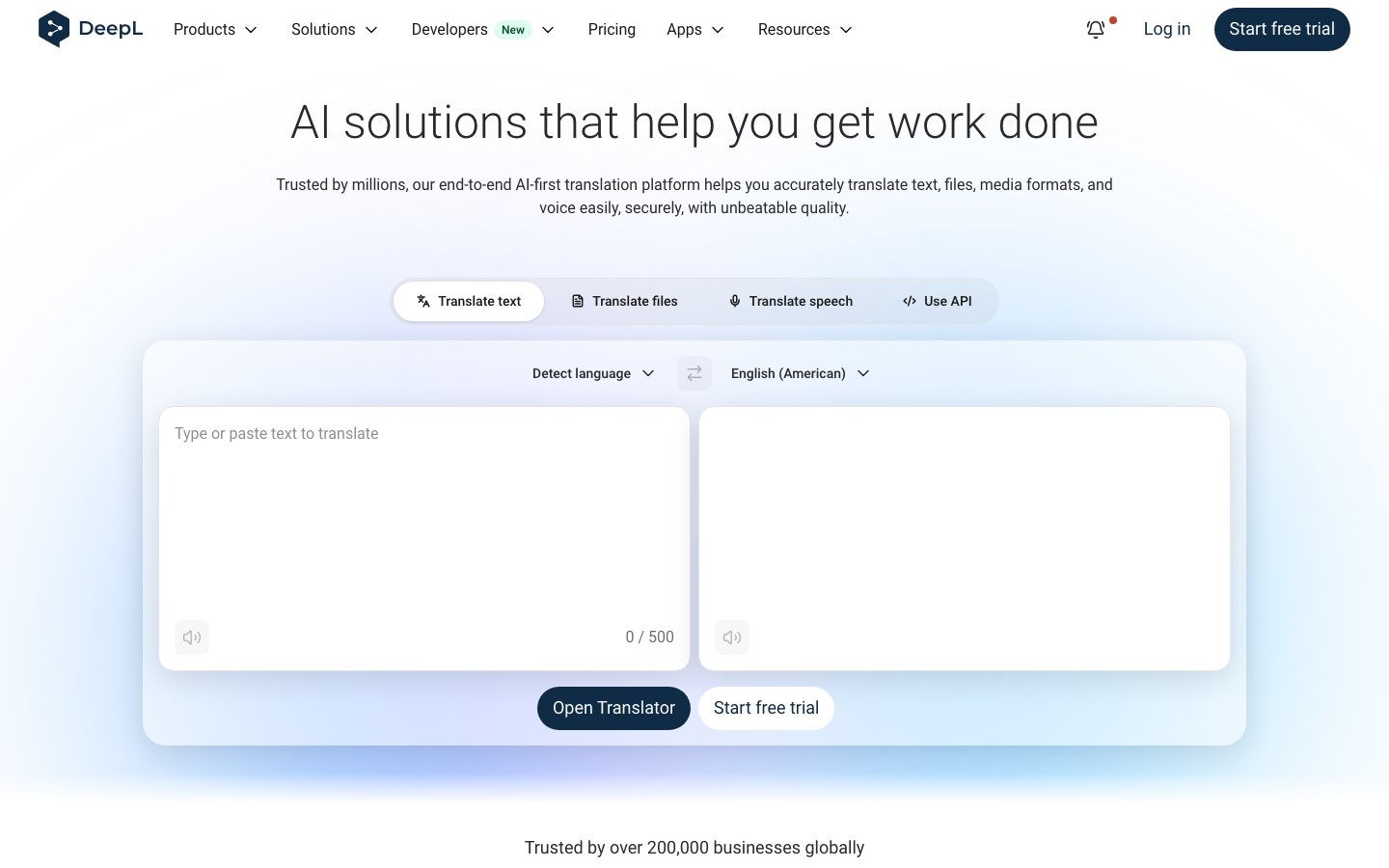
DeepL is a language AI suite with four current products: Translator for text and media, Write for writing improvement, Voice for real-time speech translation, and API for embedded language workflows.
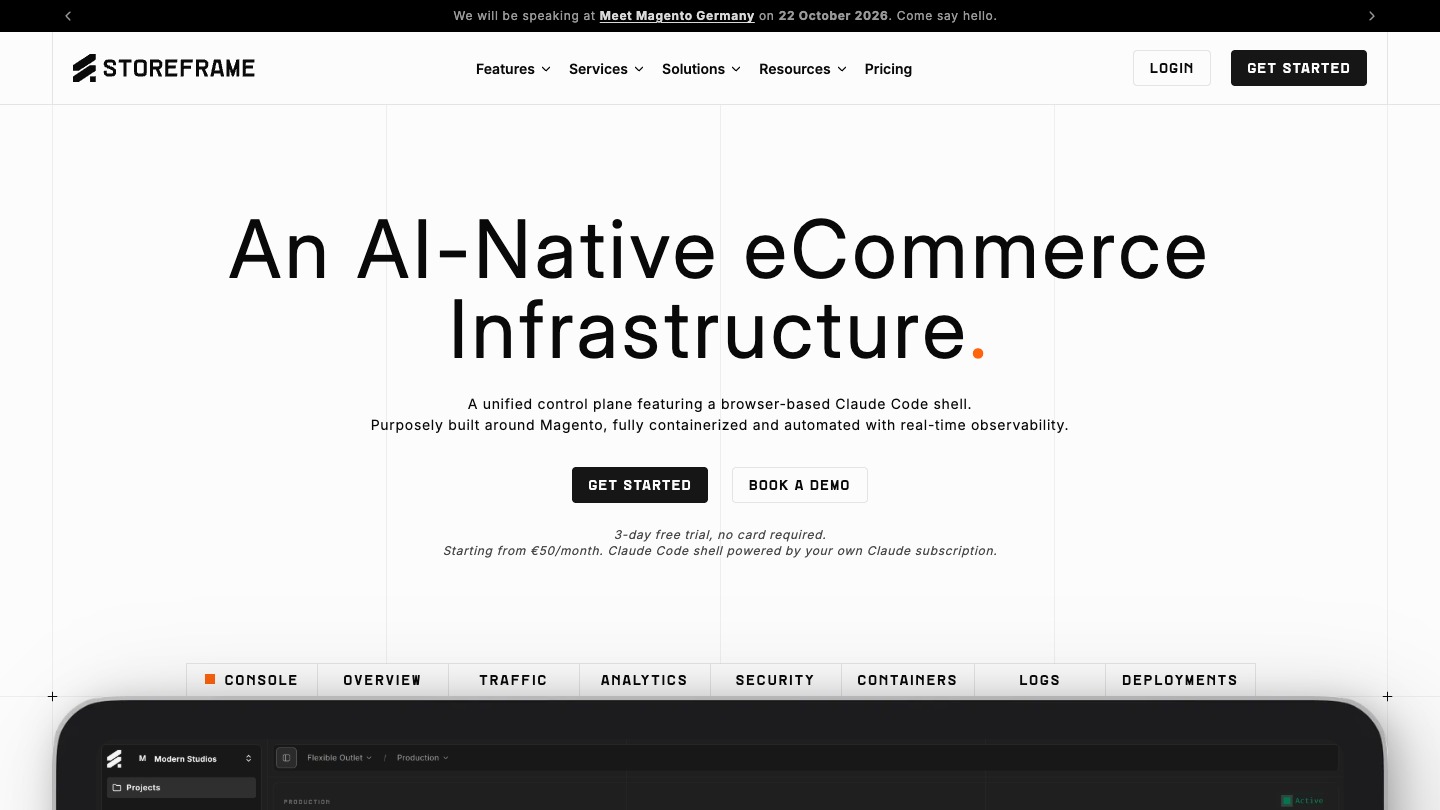
StoreFrame helps teams running Magento or Mage-OS stores manage website updates, backups and server health from one workspace.
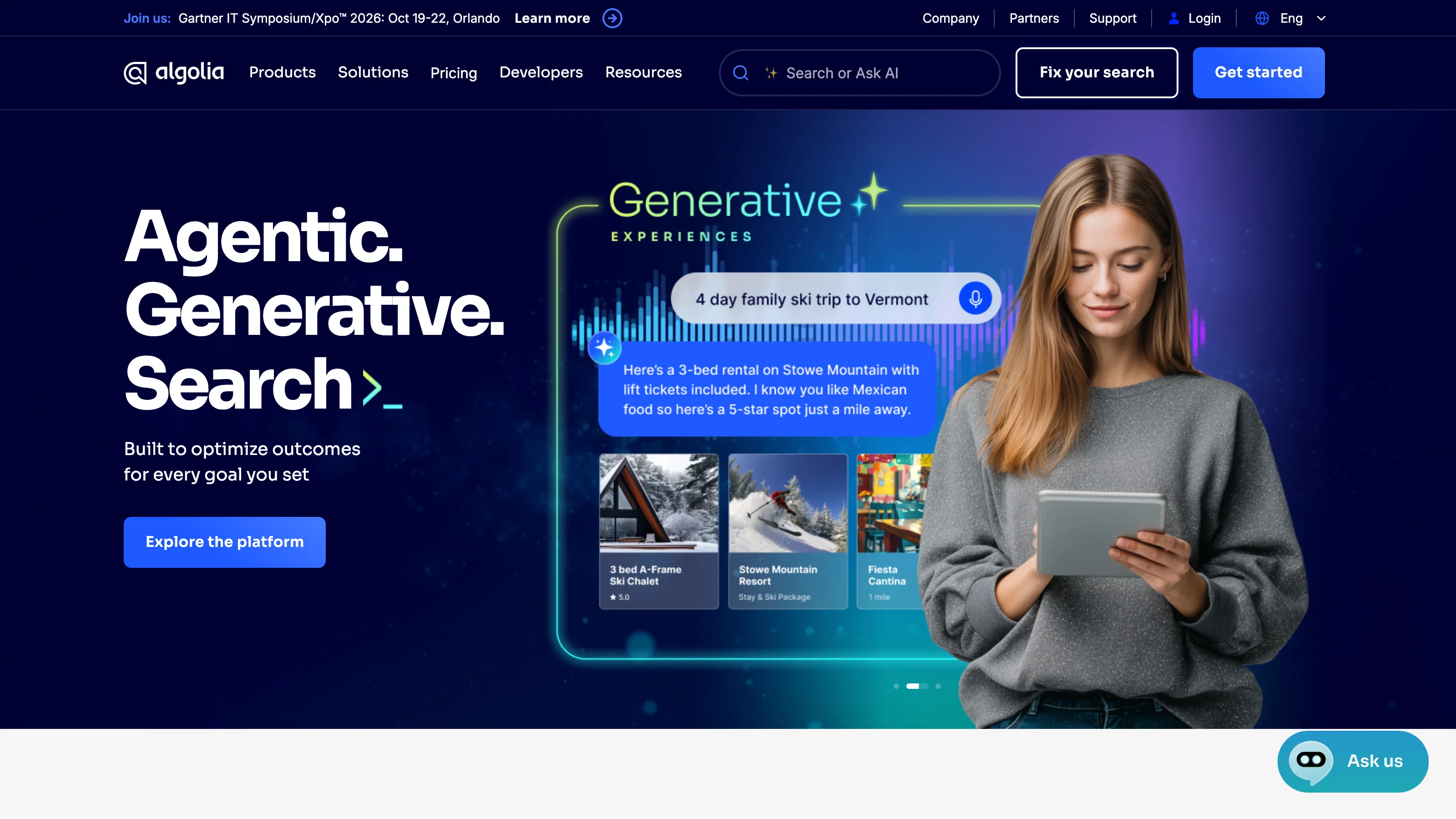
Algolia helps ecommerce teams deliver product search, recommendations, and merchandising.
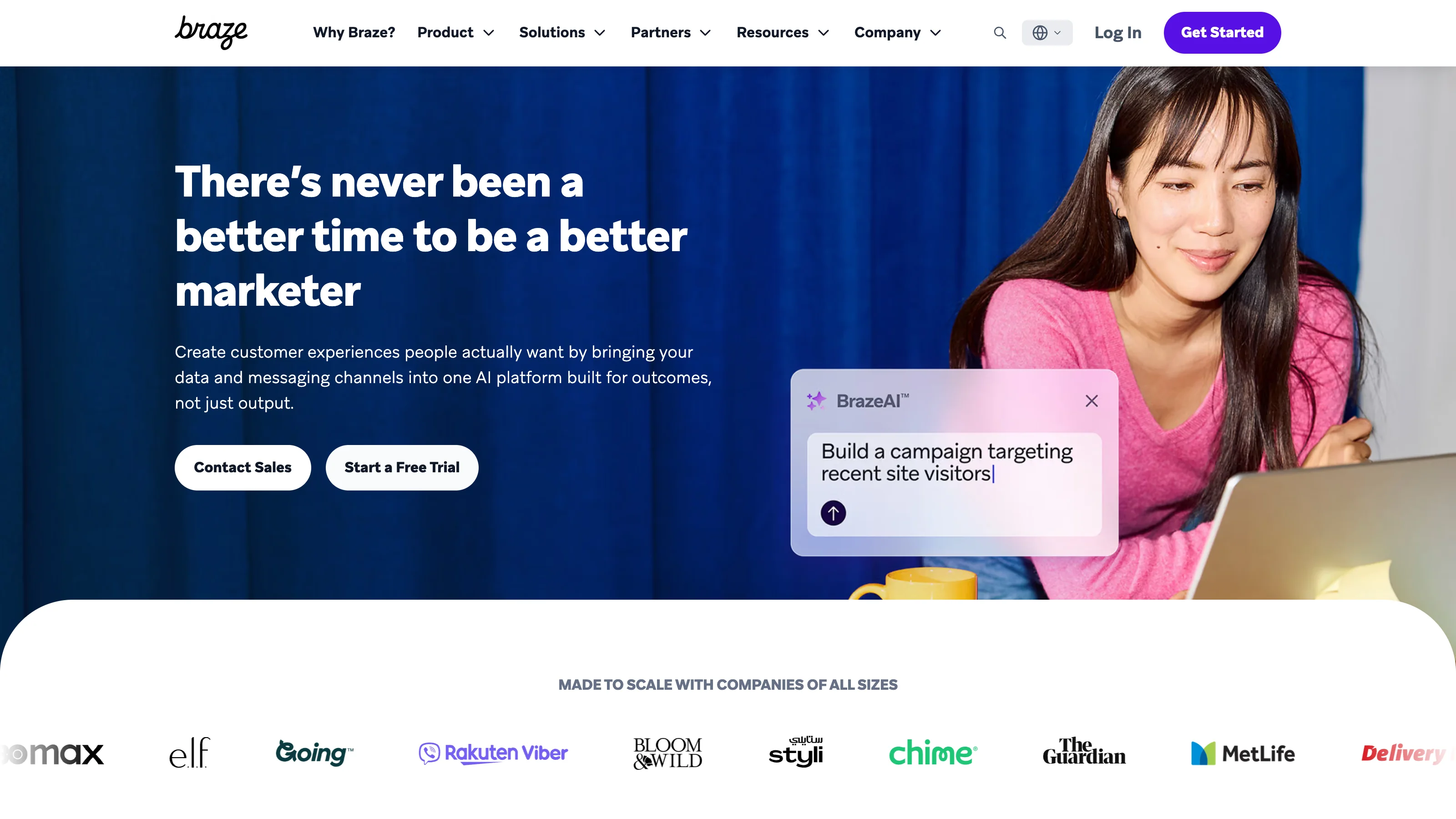
BrazeAI supports personalized messaging across the Braze customer engagement platform.
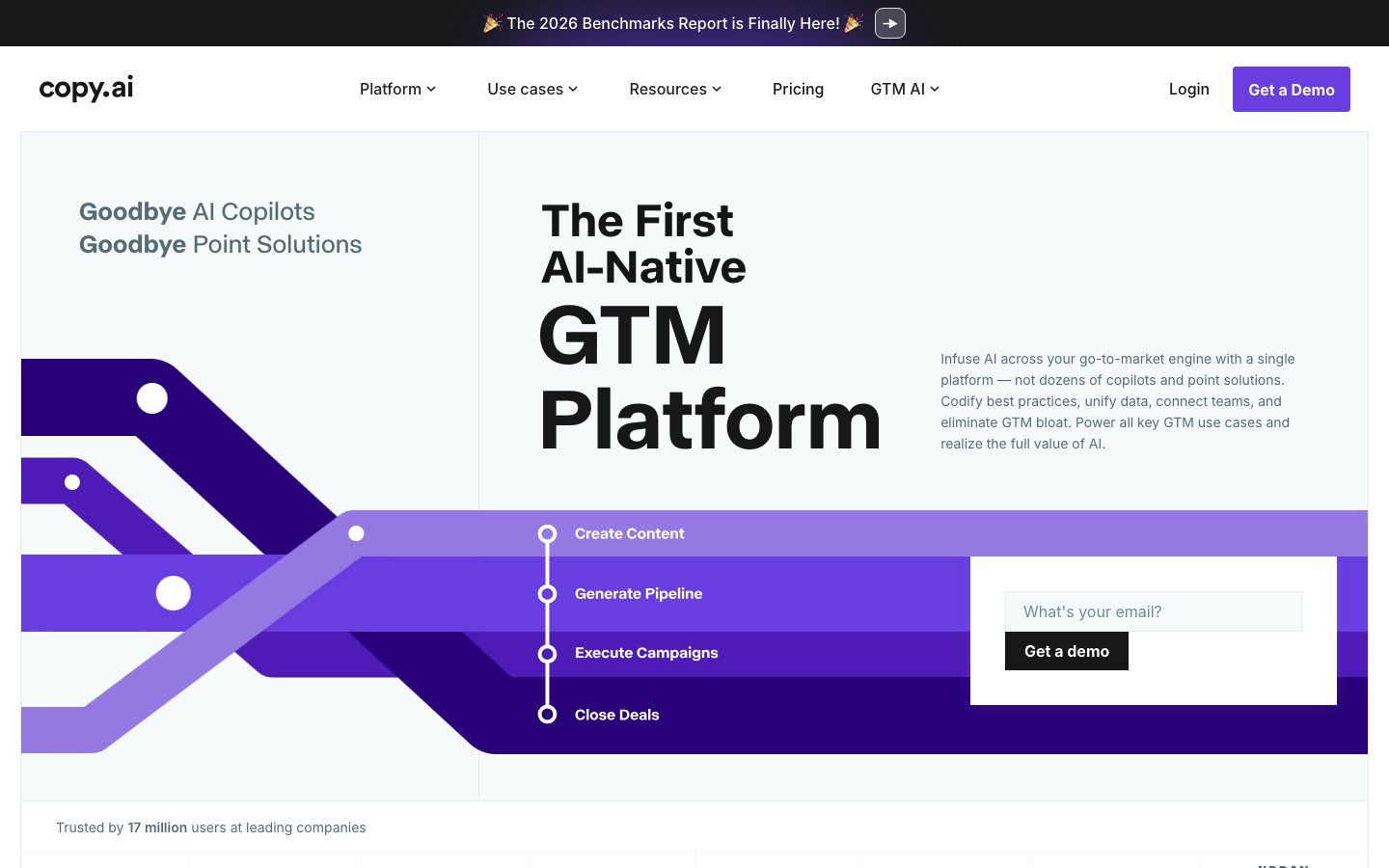
Copy.ai has evolved from a library of writing templates into a go-to-market AI platform for chat and multi-step workflows across marketing, sales, operations, and customer success.
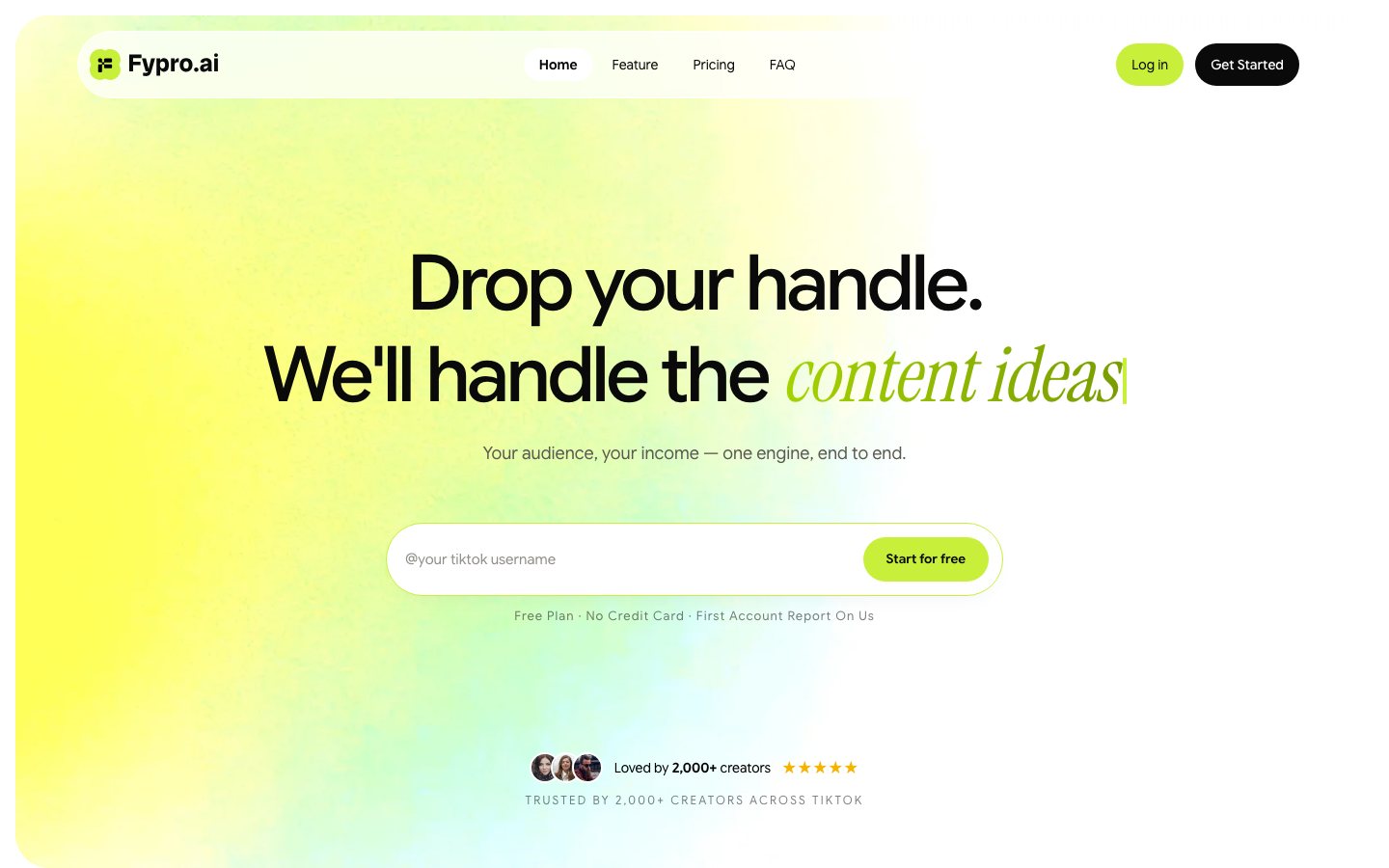
Fypro is an end-to-end monetization engine for TikTok creators.
Compatibility depends on the individual resource. A Shopify integration does not imply support for Amazon or WooCommerce, and some connections require a particular plan or extra setup. Check the tool's current documentation for supported platforms, regions, permissions, and actions. Prompts and skills also depend on the software used to run them.
Some tools offer a free plan or trial, often with usage or feature limits. Paid plans may charge by subscription, seat, conversation, task, or usage. Check the provider's current pricing and include integrations, model usage, setup, and review time. A free prompt or skill may still require paid software.
Some products can answer routine questions or complete defined support tasks automatically, depending on their integrations and permissions. Decide which cases can proceed and which need escalation, such as disputed charges or exceptions to store policy. Test accuracy, handoffs, and customer outcomes before expanding automation beyond the initial workflow.
Not always. Some hosted tools and prompts can be used through a web interface, while others need integrations, configuration, or technical setup. Skills may require a compatible agent and additional dependencies. Check the installation instructions, required access, and maintenance needs before deciding whether you can manage the resource yourself.
Email over breakfast, shared reports and less time switching tools: what the September 29 announcements could change for a small ecommerce team.

A practical way to compare AI product description generators using real product data, channel rules, batch output, and human QA.
Choose Shopify inventory management software by checking inventory states, locations, purchase orders and transfers with representative SKUs before buying.
Small ecommerce sellers can forecast replenishment from unit sales, sellable and incoming stock, full lead time, safety stock, and MOQ, then choose software by workflow, price, and limits.