ChatBot.com: chatbot building and customer support
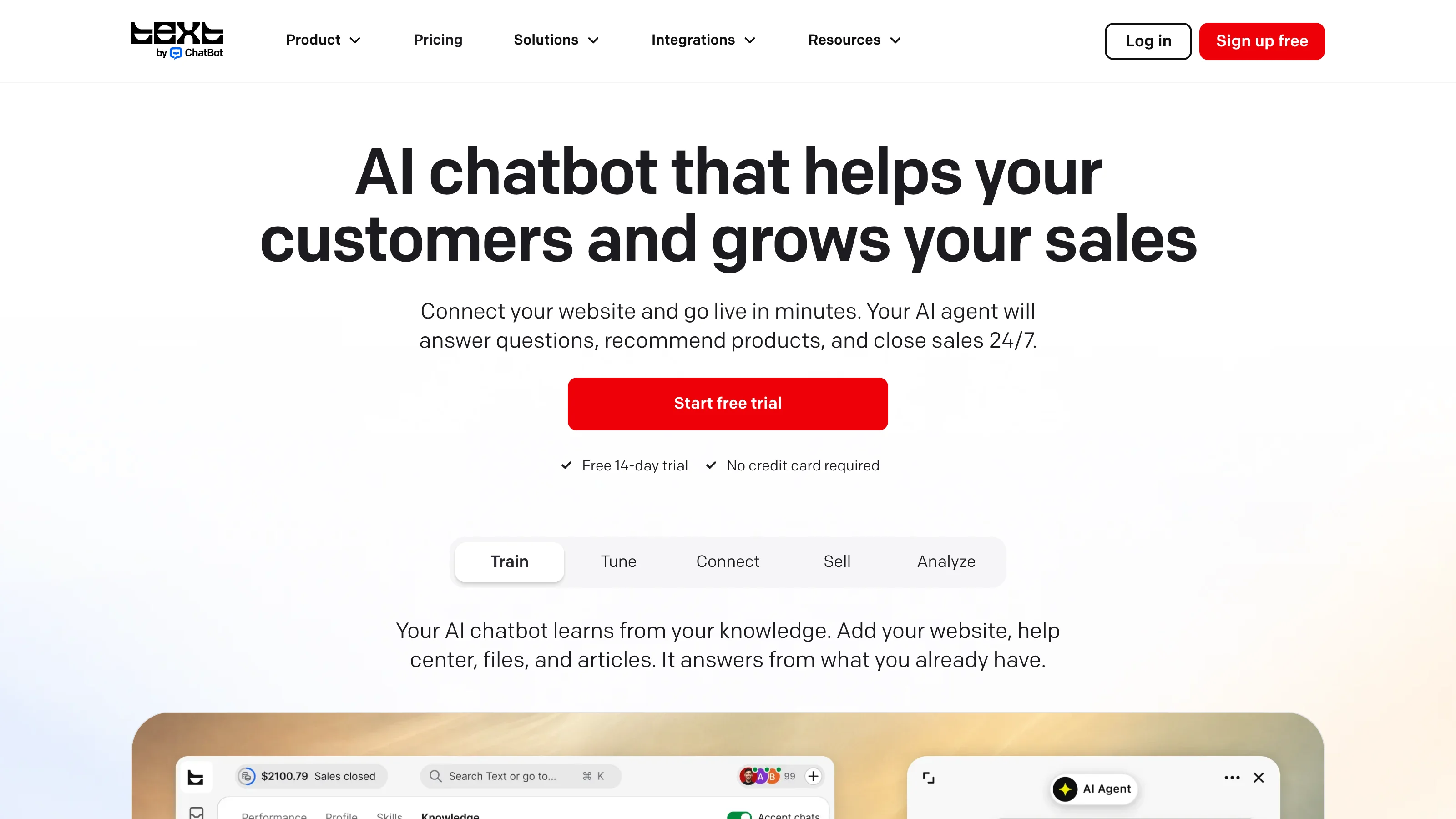
ChatBot.com helps ecommerce teams answer routine pre-purchase and support questions using connected Shopify information. ChatBot.com documents a Shopify integration for ecommerce chat workflows. The bot needs a reviewed knowledge base and escalation path; product, stock, and order claims should be checked against the connected source of truth.
- Views
- 0
- Uses
- 0
- Favorites
- 0
- Editorial Score
- 72/100
ChatBot.com alternatives compared
| Product | Product scope | Best-fit scenarios and implementation responsibilities | Pricing and billing |
|---|---|---|---|
| ChatBot.comCurrent product | ChatBot.com is a visual chatbot platform combining configured conversation flows, AI answers and a LiveChat handoff. | Best fitConsider ChatBot.com for visual chatbot flows with AI answers and a LiveChat handoff. Compare Tidio (Lyro AI) for Lyro AI answers alongside live chat and rule-based Flows and Gorgias for an ecommerce helpdesk with live order context and an AI Agent. ImplementationYour team would build and test conversation flows, train the system on approved content and set up the handoff. | |
| Tidio (Lyro AI) | Tidio is live chat and AI customer service software for ecommerce teams. It helps stores answer shopping questions, handle support requests, and pass conversations to a person when needed. | Best fitConsider Tidio (Lyro AI) for Lyro AI answers alongside live chat and rule-based Flows when comparing it with ChatBot.com. ImplementationWith Tidio (Lyro AI), the team would prepare knowledge for Lyro, build Flows and assign staff to take over live chats. Official product and workflow ↗ | Confirm current billing terms before buying. Free: 50 billable conversations/month and a one-time 50-conversation Lyro allowance per account. Recurring Lyro capacity requires a paid quota. Human conversations and Flows have their own limits. Official pricing ↗ |
| Gorgias | Gorgias is an ecommerce customer-service platform that combines a shared Helpdesk with an AI Agent for routine support and shopping conversations. | Best fitConsider Gorgias for an ecommerce helpdesk with live order context and an AI Agent when comparing it with ChatBot.com. ImplementationWith Gorgias, your team would connect store records, authorize order actions and configure ticket routing. Official product and workflow ↗ | Confirm current billing terms before buying. Helpdesk subscription scales with monthly ticket volume, not agent seats. AI Agent is billed for resolved conversations; Voice and SMS add-ons are charged separately. Official pricing ↗ |
| Intercom | Intercom is a customer-service platform combining the Fin AI agent, a shared inbox and tools for human support teams. | Best fitConsider Intercom for Fin together with a shared inbox, ticketing and support-team tools when comparing it with ChatBot.com. ImplementationWith Intercom, the team would configure the Intercom inbox, team routing and knowledge for Fin. Official product and workflow ↗ | Confirm current billing terms before buying. Essential requires a per-seat subscription, plus $0.99 per Fin outcome. Completing a workflow (Procedure), including a handoff, can count as a Fin outcome. Fin on another helpdesk has no seat fee, but a minimum monthly outcome commitment applies. Official pricing ↗ |
| eesel AI | eesel AI is an ecommerce AI agent that connects a store's catalog, policies and order data to a website chat widget or supported helpdesk, so teams can answer product questions, assist purchases, and handle routine order or return requests. | Best fitConsider eesel AI for an AI agent connected to existing helpdesks and store knowledge when comparing it with ChatBot.com. ImplementationWith eesel AI, your team would connect knowledge and supported systems, test answers and define permitted actions. Official product and workflow ↗ | Confirm current billing terms before buying. Free trial: 100 credits to try the service. Teammate: $299/month for 500 credits, or $499/month for 1,000 credits. The current pricing page counts each ticket or chat as one credit; larger monthly credit batches have their own prices. Official pricing ↗ |
| VanChat | VanChat is a Shopify AI shopping assistant and live-chat tool for answering store questions, recommending products, tracking orders, collecting leads and handing difficult conversations to a person. | Best fitConsider VanChat for Shopify shopping conversations with recommendations and supported order tasks when comparing it with ChatBot.com. ImplementationWith VanChat, your team would sync products and policies, configure permitted tasks and route difficult chats to staff. Official product and workflow ↗ | A comparable current amount has not been confirmed for this purchase scope; use the official pricing source to check the plan, billing unit and additional charges. Official pricing ↗ |
ChatBot.com FAQs
ChatBot.com FAQs address “What sources can ChatBot.com use to learn how to answer questions about a store?” and “Can ChatBot.com transfer a conversation to a human while preserving its context?”.
What sources can ChatBot.com use to learn how to answer questions about a store?
ChatBot lists website pages, help-center material, product documentation, and uploaded files as knowledge inputs. A store should provide the policies and product information it wants the bot to use in answers, rather than expect a generic bot to know its current terms.
Can ChatBot.com transfer a conversation to a human while preserving its context?
Yes. ChatBot describes handoff to human agents with conversation context. The store still needs a connected human-support workflow; enabling the bot alone does not supply staff to receive and resolve escalated requests.
How can ChatBot.com be added to a Shopify or WordPress site?
ChatBot offers integrations for Shopify and WordPress, as well as website installation through a code snippet. The integration route should be checked against the store platform, while the bot’s knowledge and escalation behavior still need configuration.
Is ChatBot.com’s free trial a permanent free plan?
No. ChatBot advertises a 14-day trial without a credit card. Ongoing use is governed by the selected paid offering and its AI usage allowances, so a successful trial does not imply unlimited free production use.
Official sources: Product overview · Pricing and plans
ChatBot.com integrations and connection requirements
For the existing ChatBot Visual Builder and AI Assist workflow, connect Shopify to show products, search the catalog and answer order-status questions in chat. Install the app or connect it from the bot’s integrations settings. The official guide provides separate setup instructions for the new AI Agent in Text.
Official connection guideSources
The sources for ChatBot.com include www.chatbot.com; the linked documents are references for checking product, purchase or review information, with applicability still to be verified.
User reviews
The ChatBot.com review section groups source links and available feedback from Shopify App Store; each source’s product-profile scope is stated separately.
Shopify App Store listing: ChatBot.com AI Bot Builder. These reviews cover this exact app listing, not every product surface from the vendor.
This app was installed to our USA-based store, but the app doesn't work: The reason: Traffic blocked. You cannot create an account.
ChatBot is really great with customization and scalability. We use it on all of our 13 country domains, and personalize the experience depending on the language.