Inventory Planner by Sage: forecasting and replenishment
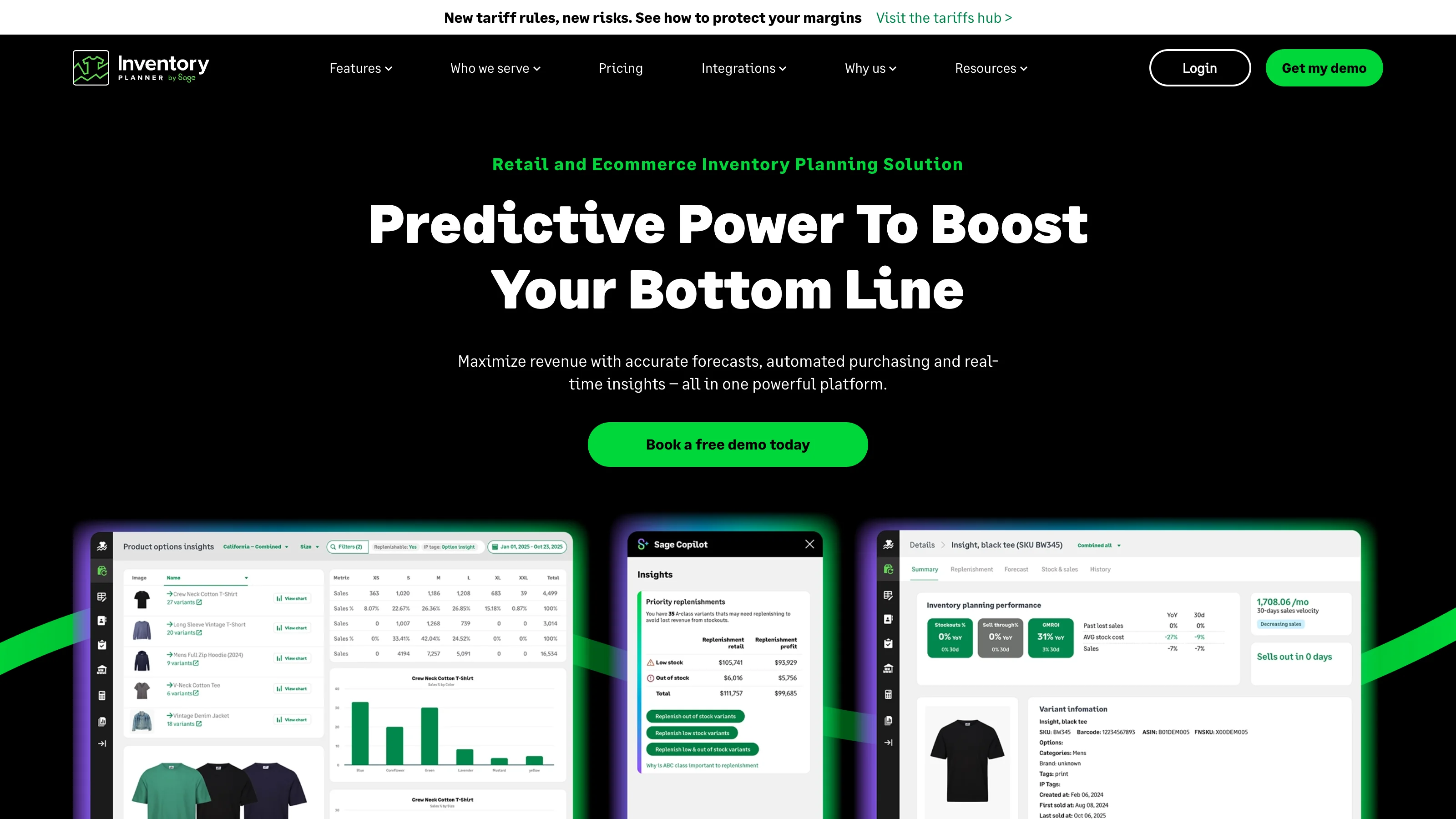
Inventory Planner by Sage is a retail inventory planning tool that helps buyers decide what to replenish, how much to order and when, using connected sales and stock data. It combines demand forecasts with supplier lead times and supports turning reviewed suggestions into purchase orders or warehouse transfers.
- Views
- 0
- Uses
- 0
- Favorites
- 0
- Editorial Score
- 73/100
Sources for Inventory Planner by Sage
The official product, help and pricing links below support the feature and purchasing claims on this page.
Inventory Planner user reviews by platform
The Inventory Planner by Sage review section groups source links and available feedback from Shopify App Store, G2, and Capterra; each source’s product-profile scope is stated separately.
These product-specific review sources show ratings and merchant experiences. Each platform counts its own reviews; open a review card or source page for the original context.
Rating for the Inventory Planner by Sage Shopify app.
Inventory Planner is an exceptional tool as far as forecasting is concerned. We'd recommend it to anyone looking for tighter control of their purchasing and reporting.
I’ve had an excellent experience working with Inventory Planner, and I’d like to highlight the outstanding support provided by their team member, Yi Chan. He has been consistently professional, knowledgeable, and incredibly patient throughout our interactions. Chan took the time to understand our business needs in detail and guided us through every step with clarity and efficiency. His ability to explain complex functions in a simple, practical way has made a huge difference in our workflow. Thanks to his help, we’ve been able to optimise our inventory processes and feel much more confident using the platform. Overall, I’m very impressed with both the product and the level of customer support. Chan’s dedication and expertise truly set a high standard. Highly recommended.
Reviews of Inventory Planner by Sage on G2.
I particularly like that Inventory Planner by Sage works well and enables us to manage our stock between multiple warehouses efficiently. We operate in several locations, including the UK and Europe, and Inventory Planner helps us control our total inventory while allowing us to manage specific location inventories. This feature is incredibly useful because it helps us minimize exposure to duties and taxes by enabling us to dispatch goods to the appropriate jurisdictions efficiently and manage suppliers to direct goods to specific warehouses.
IP really helped us to get a handle on our SOH and forecasting. It does a better job of reporting on Cin7 database information than Cin7 itself does. Integrates with Cin7, obviously. The user interface is easy to understand and has significant depth to it. It works quickly. The price is a little on the high side, unfortunately. That being said, support is on-point and the algorithms the service uses are helpful.
Inventory Planner gives us a central and much clearer overview of our inventory position. The replenishment recommendations, sales forecasts and purchasing reports help us decide which products need to be reordered and in what quantities. This has reduced the amount of manual spreadsheet work required and has made our purchasing process more consistent.
Reviews of Inventory Planner by Sage on Capterra.
Individual reviews cannot be linked here. Open the original platform to read them.
More reviews on Capterra
Signing up for Inventory Planner is one of the worst decisions I've made in 13+ years as a business owner. I chose it over the competition because it had the best interface and design. In practice, the software doesn't work anywhere near as smoothly as the sales pitch suggests. Everyday tasks require workarounds that eat up the time the product was supposed to save. For example Inventory planner will not sync to Quickbooks without manually syncing the web connector every time. Onboarding was even worse. Over 10 weeks, we were shown several different ways to do the same operation, and the answer changed each time, after they checked with another team member. Nearly every question took days to answer because it had to go to their so called "tech team." They told us the onboarding sessions were being recorded multiple times. When I asked for copies, I was told they had never been recorded, despite them asking for permission to record each time. I also confirmed verbally, multiple times, the recordings would be supplied to me so I could go back over them and review the material. Be sure to demand your recordings after each meeting. The contract structure is the real trap. They structure the contract so that you pay for a year in full up front. Onboarding does not start until full payment is made and contract is signed. By the time you find out how the product actually works you have no way out. The price is tied to your revenue, so as your business grows your costs only go up, regardless of whether the software is helping you. If you read their contract and it feels one-sided, take that seriously, I wish I had.