Supply Chain & Fulfillment AI
Cogsy
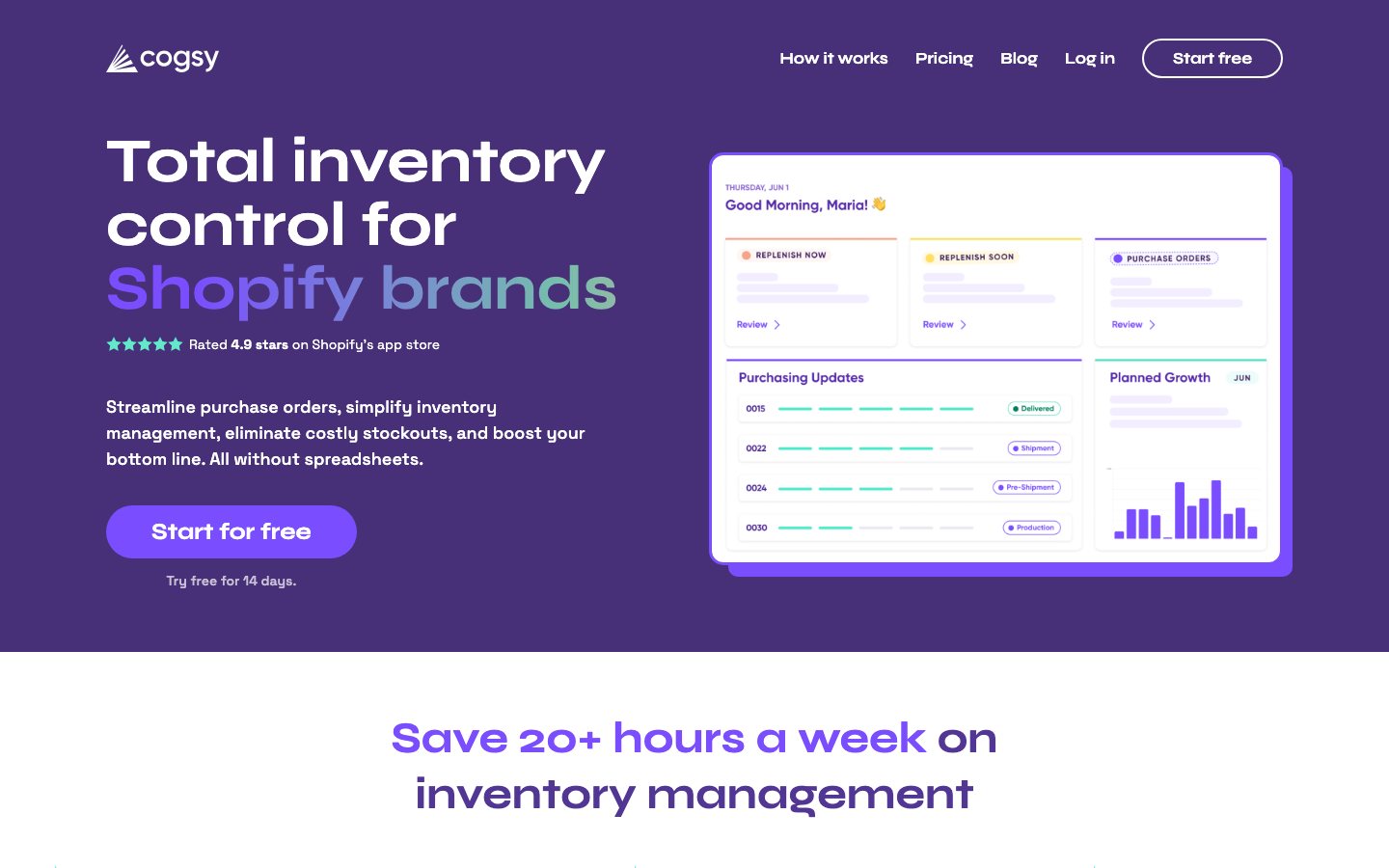
Cogsy turns sales history, inventory, supplier lead times, subscriptions, locations, and planned events into demand forecasts and replenishment recommendations. It is designed for growing product businesses replacing spreadsheets and coordinating purchasing decisions, with one public all-in-one plan rather than opaque entry tiers; operators still review assumptions and purchase orders before committing cash.
Before you start
- Choose one bounded, reversible inventory or purchasing recommendation to test.
- Prepare clean SKU history, lead times, current stock, purchase constraints, and margin assumptions, removing sensitive fields the trial does not need.
- Record the current forecast error, stockout rate, excess stock, cash tied up, and service level, then name the approver and stop conditions.
- Map the data path from source to destination, then review read, write, and administrator scopes separately.
Operator-ready setup plan
Start with one real task
Do not begin with a store-wide rollout. Pick one reversible task where Cogsy can help you plan inventory, purchasing, capacity, suppliers, and replenishment.
Checkpoint: The input boundary, owner, and one primary measure from forecast error, stockout rate, excess stock, cash tied up, and service level are written down.
Prepare the input and guardrails
Collect only the clean SKU history, lead times, current stock, purchase constraints, and margin assumptions needed for this test. Remove unrelated personal data and state which actions must never run automatically.
Checkpoint: Every input has a known source, sensitive fields are minimized, and the approver knows what the trial can read or change.
Configure a contained trial
Follow the official setup path, connect the fewest accounts possible, and grant only the permissions this test needs. Let Cogsy recommend before it acts.
Checkpoint: You have a inventory or purchasing recommendation that a responsible operator can inspect, and it stayed inside the approved boundary.
Review it against a baseline
Do not judge the result by fluency. Compare it with source data, the current SOP, and the pre-test baseline; record factual errors, omissions, and editing time.
Checkpoint: forecast error, stockout rate, excess stock, cash tied up, and service level has a pre-test baseline, and errors and exceptions are logged separately.
Add monitoring, approval, and recovery
Alert on failures, timeouts, duplicate runs, and permission changes. Keep human approval, idempotency checks, an action log, and a recovery path you have rehearsed.
Checkpoint: A failed run can be traced in logs, bad writes can be reversed, and ownership of recovery is explicit.
How to test it
- Test one normal case, one edge case, and one case with a deliberately missing critical field.
- Compare the result with the pre-test baseline for forecast error, stockout rate, excess stock, cash tied up, and service level; do not record time saved alone.
- Review errors, human edits, permissions used, and unresolved exceptions before expanding scope.
- Simulate a timeout, a duplicate event, and a partial destination failure to verify alerts and recovery.
Limits to account for
- The catalog record was checked on 2026-07-10, but this page has no completed external-source review. Confirm the official page, creator identity, and current documentation before purchase, installation, or store connection.
- Bad history or an untested assumption can turn a confident forecast into an expensive purchase decision.
- This page reflects the review completed on 2026-07-10, not a permanent guarantee. Recheck the current documentation, pricing, and contract terms before production use.
Frequently asked questions
Which permissions should Cogsy receive?
Grant the smallest scope required for this workflow. Separate read, draft, production-write, and administrator access, and require human approval for high-risk writes.
How should failures be rolled back?
Keep source records, request IDs, versions, before-values, and action logs. Rehearse timeouts, duplicate runs, partial success, and third-party API failure outside production.
What should be monitored after launch?
Monitor success, exceptions, latency, execution cost, unauthorized writes, and forecast error, stockout rate, excess stock, cash tied up, and service level. A completed run is not proof of a safe result.
Key features
Cogsy uses AI to analyze sales velocity, seasonality, and supplier lead times to generate automated purchase orders. It replaces manual spreadsheet-based inventory management with intelligent forecasting.
- AI demand forecasting
- Automated purchase order generation
- Back-in-stock alerts
- Low-stock warnings and reorder suggestions
- Supplier lead time tracking
- Multi-warehouse support
Best for
You need to prioritize stocking, replenishment, or purchasing decisions. The first decision to test is whether AI demand forecasting and Automated purchase order generation hold up together before reducing the risk of stockouts, excess stock, or poor purchasing decisions. Consider it when these outcomes matter: AI demand forecasting, helping you bring sales, lead time, and availability into one decision; Put Automated purchase order generation into the current flow to surface stockout, overstock, or purchasing signals earlier for review; Use Back-in-stock alerts in this step to validate in one category, warehouse, or replenishment rule before expanding. Confirm before rollout: The current all-in-one plan is publicly listed at $199/month after the trial; confirm the actual use and service scope before procurement.
Pricing analysis
Current published or described options are Starter: Custom (entry-level); Growth: Custom (mid-market). This product uses a custom quote: share expected usage, selected modules, channels, and service scope with sales to receive a written price. Prices under different business conditions cannot be compared directly with fixed plans; give each finalist the same volume and scope, then compare total cost and cost per user, order, conversation, or completed execution. Complete cost also includes inventory or SKU volume, locations, connectors, data cleanup, onboarding, planner time, and cash tied up by recommendations; model both normal and peak periods. A custom quote should state the billing unit, minimum commitment, overages, add-ons, implementation scope, renewal terms, and data-export path.
Pros
- Eliminates manual spreadsheet-based inventory management
- Purchase order automation saves hours per week
- Good Shopify and WooCommerce integration
- Seasonal trend detection works well
Limitations
- The current all-in-one plan is publicly listed at $199/month after the trial; confirm the actual use and service scope before procurement
- Best for stores with 100+ SKUs
- Limited multi-channel support at lower tiers
Selection guidance
Document the current manual process, data sources, owner, and recovery path, then run one supplier or category covering stable, seasonal, new, and exception SKUs with real business data. Cover permission boundaries, null and exception data, duplicate execution, human override, third-party sync delays, export, and rollback. Also run these product checks: Test one normal case, one edge case, and one case with a deliberately missing critical field.; Compare the result with the pre-test baseline for forecast error, stockout rate, excess stock, cash tied up, and service level; do not record time saved alone.. Keep the pilot live for a complete business cycle and compare forecast error, stockout rate, excess inventory, inventory turns, and planner time saved with the pre-pilot baseline. Contract only if quality, controllable risk, and total cost all pass, and explicitly test these known constraints: The current all-in-one plan is publicly listed at $199/month after the trial; confirm the actual use and service scope before procurement; Best for stores with 100+ SKUs.
Published pricing
- Starter
- Custom (entry-level)
- Growth
- Custom (mid-market)
Alternatives
Content checked: