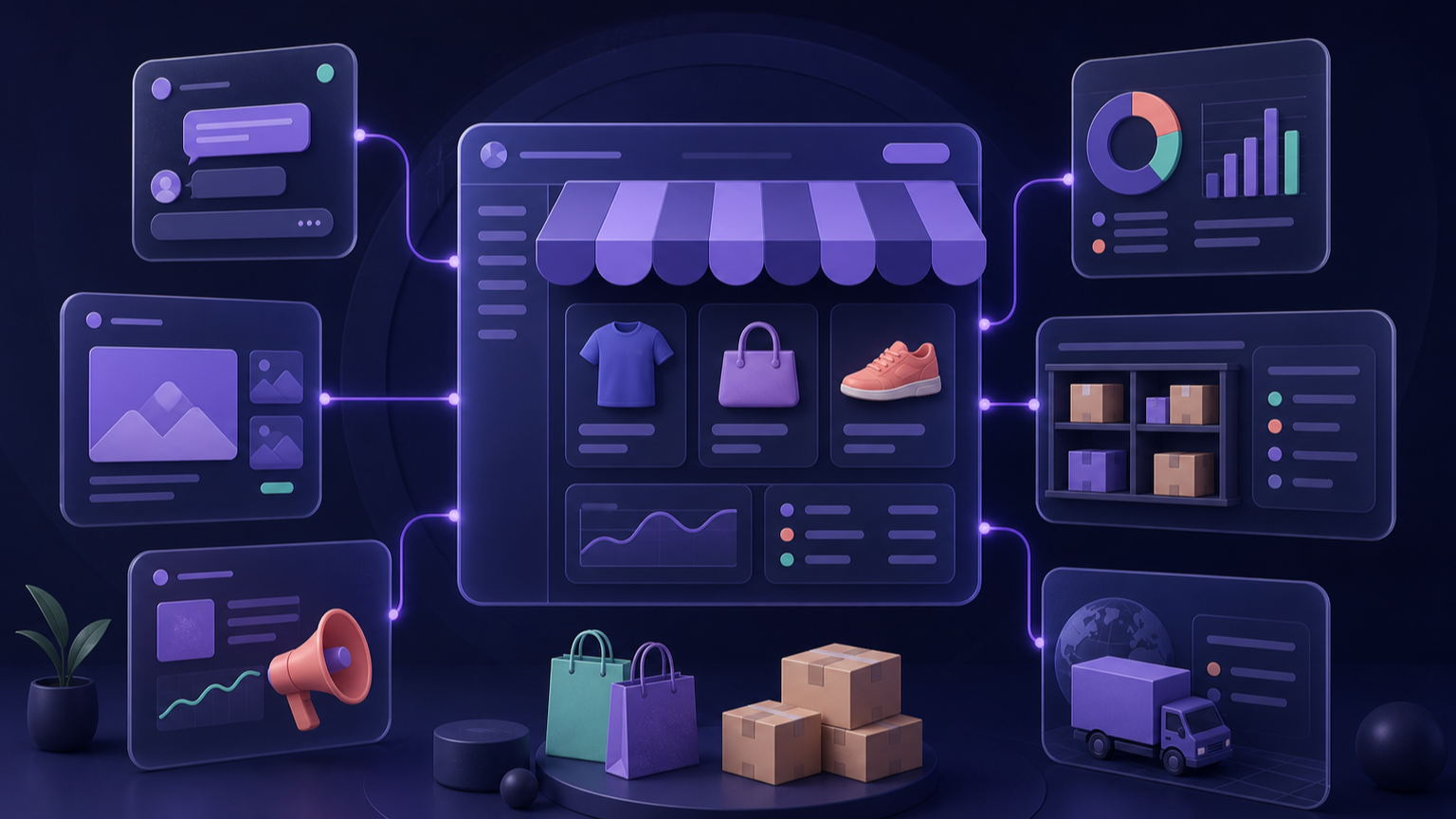
More tools do not necessarily make the numbers clearer. A cross-border team needs to know who owns the order, inventory, settlement, shipment status, and support record—and who resolves a conflict when systems disagree.
The practical starting point is a minimum workflow. Let no more than one system be the master record for each object. Add ERP, tracking, support, or automation only after order volume, channel count, or manual error is specific enough to justify it. Do not connect every account because a product is "free," "AI," or claims support for 70+ marketplaces.
If the market, channel, product, unit economics, and first-order process are not fixed yet, settle those assumptions first with the cross-border ecommerce getting-started guide. A tool stack cannot decide them for you.
This is not a ranking. It does not turn vendor copy into a field-test conclusion. Public prices and materials were checked on 2026-08-18; vendor capabilities are still vendor statements, and your own store and orders must validate the connection.
Draw the workflow first
| Working object | Question to answer first | Typical tool class |
|---|---|---|
| Products and listings | Who owns title, images, variants, price, and channel rules? | Listing tool / ERP |
| Orders and inventory | Which system is the inventory master? How do cancellation, refund, and stockout write back? | ERP, storefront back office, warehouse system |
| Settlement and FX | Where does the platform settle, how does foreign currency arrive, and who explains fees and FX spread? | Settlement provider, finance system |
| Shipping and tracking | When is tracking created, how is it returned, and who takes an exception? | Forwarder system, tracking platform, ERP |
| Support and after-sales | Can support see order, shipment, refund, and conversation history? | Helpdesk, AI support, storefront back office |
The point of the map is to stop two systems from editing the same inventory or order. "Synchronizes across platforms" is not the finish line; you still need to understand delay, retry behavior, and conflict rules.
What public information can tell you
This is not a recommendation order. It shows different billing units and product boundaries.
| Scenario | Public information | What to validate first | What to ask before purchase |
|---|---|---|---|
| Listings and orders: Dianxiaomi | Vendor pages describe multi-platform listing, order, and shipping workflows; paid-plan boundary must be confirmed in the actual plan | Whether it covers your marketplace and shipping method | Which system is master for orders, inventory, and shipping status; whether export is complete |
| Southeast Asia multi-platform: BigSeller | The help center describes a free cross-border ERP with multi-platform support | Whether the free version covers your stores, users, and after-sales flow | How service, add-ons, and support are priced outside the free plan |
| Store-count listing / ERP: Miaoshou | Site shows a starting price of RMB 4.5 per store per month, billed by store | How many real stores and functions you need | Eligible plan, renewal terms, store count, and overage rules |
| Tracking: 17TRACK | Shopify App Store lists the first 50 packages as free; Basic is US$9 for 200 packages | Whether orders sync under your status and time-window rules | Overage, history, exceptions, and multi-store billing |
| Tracking: AfterShip | Shopify App Store lists 50 packages free and US$11 for 100 packages, with overage | Whether tracking and notification need a higher tier | Channels, notification entitlement, data retention, and overage price |
| Settlement: PingPong | The site publishes feature and platform-coverage information; full merchant pricing requires a quote | Whether target platform and currency can settle | Fee, FX spread, payout conditions, review requirements, and exception handling |
Source type matters. Dianxiaomi, BigSeller, Miaoshou, and PingPong descriptions are public vendor statements. 17TRACK and AfterShip allowance and price figures come from public Shopify App Store listings. Neither form of evidence says the product is proven in your business.
"Free" is not zero total cost
The actual bill for a cross-border tool usually has at least five layers:
- Software subscription: per store, order, user, revenue tier, or module.
- Usage overage: packages, messages, API calls, images, AI conversations, or listing count.
- Connection work: historical order import, field mapping, templates, permissions, and training.
- Operating work: weekly exception checks, rule maintenance, and sync-failure handling.
- Exit cost: whether orders, shipments, customers, POs, and operating history can move with you later.
The useful question is not "What is the lowest price?" It is: "For X stores, Y orders, Z parcels, and N operators per month, what makes up the complete bill?" Ask sales or implementation to put the answer and scope in writing.
Start with a minimum stack, then expand
Situation A: one platform, still-manageable order volume
Use the platform back office for orders, inventory, and refunds. Add a tool only when a specific pain already exists, such as a need for clearer shipment notifications or batch listing.
Poor fit: letting ERP, storefront, forwarder, and a spreadsheet all edit inventory from day one. Once an error appears, no one knows where to correct it.
Situation B: multiple channels sell the same stock
The priority is not label automation. It is the inventory master and exception path. Validate:
- how quickly a cancellation releases stock;
- how SKU variations and bundles are handled;
- whether saleable, reserved, in-transit, and physical warehouse stock are distinct;
- who corrects stocktake differences and whether that correction writes back;
- which system alerts first when overselling occurs.
ERP may now be valuable, but start with 20–50 representative SKUs and one week of historical orders. A successful import is not evidence of reliable long-term synchronization.
Situation C: shipment questions fill the support queue
A tracking layer such as 17TRACK or AfterShip can show status to customers and return parcel events to a store or helpdesk. It does not replace the forwarder, warehouse, or after-sales rule.
17TRACK's official help material notes that Shopify auto-sync can be limited by fulfillment state, tracking number, and time window. Its auto-sync explanation specifically describes shipped orders and a recent-30-day condition. Confirm that your actual order state meets the requirement before launch.
If shipment questions are a stable workload rather than a temporary spike, compare the handoff, billing, and order-permission boundary in the AI customer service system guide before connecting an AI layer.
Situation D: settlement, bookkeeping, and FX are mixed together
Split "getting paid" into separate jobs. A marketplace paying out to you is not the same as an independent store accepting a consumer's card or local wallet. Fee is only one input: check supported platforms, currencies, payout cycle, FX spread, account review, holds, and reconciliation export.
If full price is not public, mark it "quote required." Do not use a rate from an old article or treat a marketing-page "from" price as end-to-end cost.
Run at least eight scenarios in a trial
- A new order enters the system.
- A buyer cancels; inventory releases correctly.
- The same SKU sells on two channels at the same time.
- A warehouse part-ships or splits the order into parcels.
- Tracking is created, returned, and then reaches an exception state.
- A refund or return reaches inventory.
- Price, stock, or shipping-field sync fails.
- Orders, inventory, shipping, and billing can be exported so you can leave later.
Do not evaluate only the demo's success path. Tools with costly migration often show their weakness in exceptions.
Use one table to decide what to buy first
| Pain point | Action before a purchase | When a tool becomes worth testing |
|---|---|---|
| Orders copied by hand every day | Record each copy action and its time | The same action repeats steadily and errors can be measured |
| Inventory is often wrong | Audit master record, warehouse return, and cancellation flow | Data rules are unified but remain hard to operate |
| Customers keep asking about shipment | Audit tracking-number and exception flow first | Tracking is usable but notifications/support still consume substantial time |
| Payouts never reconcile | Reconcile one real payout, fee, and FX spread | Multi-platform/multi-currency work can no longer be checked manually |
| The team wants "AI" | Tag frequent intents and low-risk actions first | Knowledge, order data, and handoff rules have clear owners |
Frequently asked questions
Must a cross-border ecommerce seller use an ERP?
No. With one channel, few SKUs, and orders that can still be checked manually, a platform back office plus a clear process is often more reliable. ERP becomes useful when it removes repeat work and data errors that already occur, not when it replaces an undefined process.
How should I choose between Dianxiaomi, BigSeller, and Miaoshou?
Start with your market, marketplaces, store count, listing model, and inventory complexity. Then connect the same SKU, orders, and shipping states to each candidate, and check export, exception handling, and complete bill. Vendor marketplace-coverage counts establish candidacy, not fit.
Can a shipment-tracking tool replace a forwarder?
No. Tracking tools read, display, or notify parcel state. Forwarders and warehouse providers transport, collect, handle exceptions, and charge for shipping. Their states must be matched during the trial.
Why must data export be part of the selection?
Migration is not just a product sheet. Order history, shipping events, customer context, supplier settings, and manual operating notes all shape the future cost of switching. A system that cannot export can turn a low monthly fee into a high exit cost.
Sources and review boundary
- Dianxiaomi (public vendor information)
- BigSeller help center (public vendor information)
- Miaoshou cross-border ERP (public starting price)
- 17TRACK on the Shopify App Store (public allowance and plans)
- 17TRACK Shopify auto-sync explanation
- AfterShip on the Shopify App Store (public allowance and plans)
- PingPong cross-border payments (public vendor information)
Public sources checked: 2026-08-18. This article does not claim that any product has saved costs, reduced errors, or increased sales for a particular merchant.